Use the tgndata API to connect your systems to tgndata and exchange data automatically.
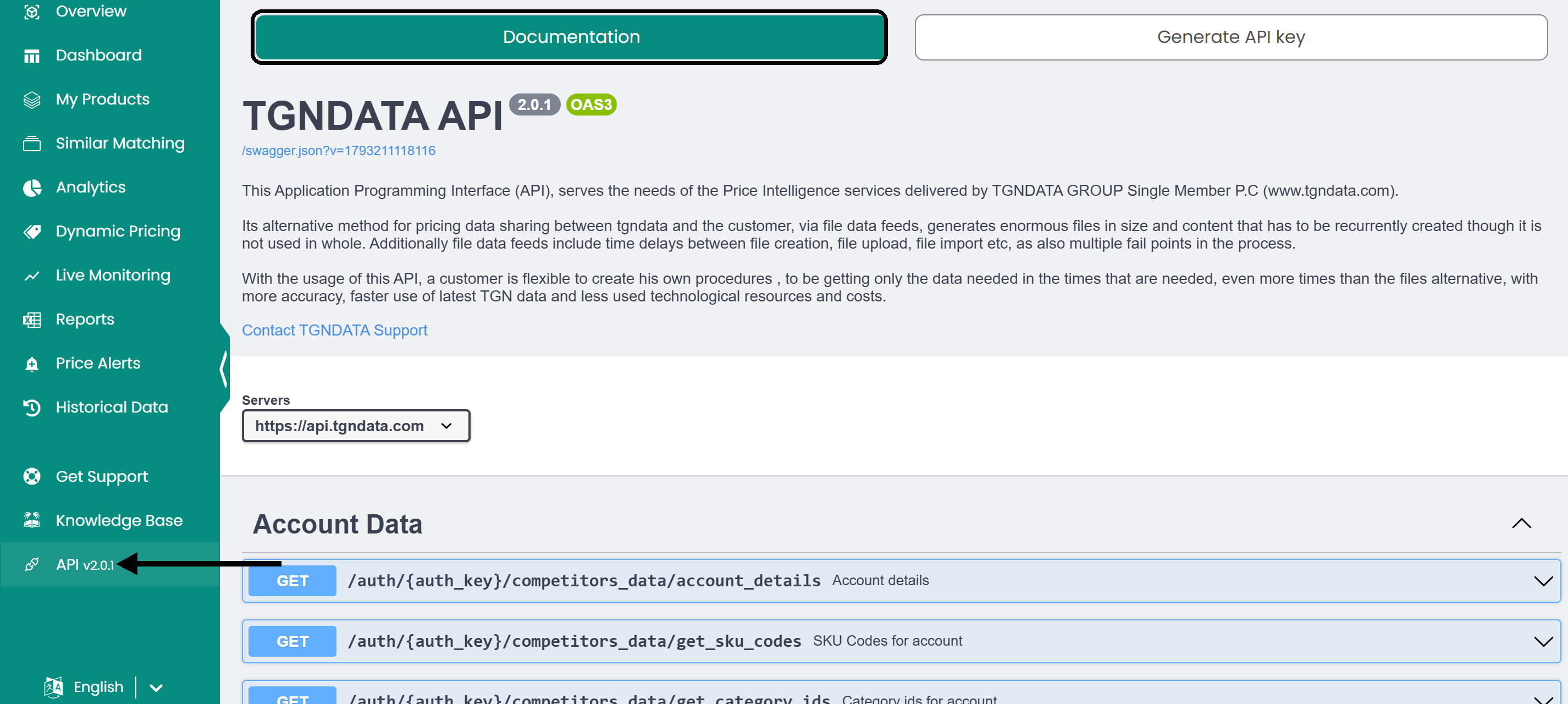
Click API in the left sidebar. The page has two tabs: Documentation, with the full API reference, and Generate API key, where you manage your key. The documentation is also available at api.tgndata.com/doc.
Manage your API key
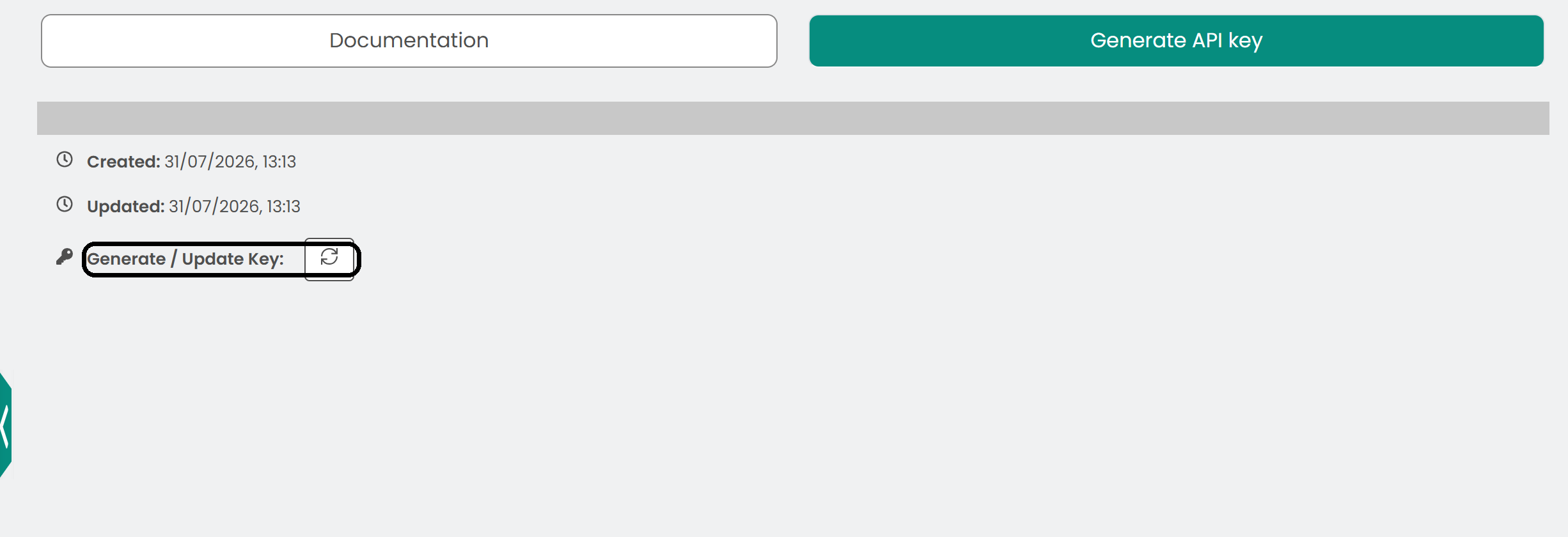
The Generate API key tab shows your API key and the Created and Updated timestamps. Click the Generate / Update Key icon to regenerate the key.
Note: Store your API key securely and treat it like a password. It gives access to your tgndata account through the API. If the key is compromised, regenerate it.
Keep your integration secure
- Monitor your API usage for unusual activity.
- Update your API key periodically.
- Review the API documentation for new features or endpoint changes.
Was this article helpful?
That’s Great!
Thank you for your feedback
Sorry! We couldn't be helpful
Thank you for your feedback
Feedback sent
We appreciate your effort and will try to fix the article