The Dashboard is a customizable page of charts. Choose the charts that matter most to your pricing.
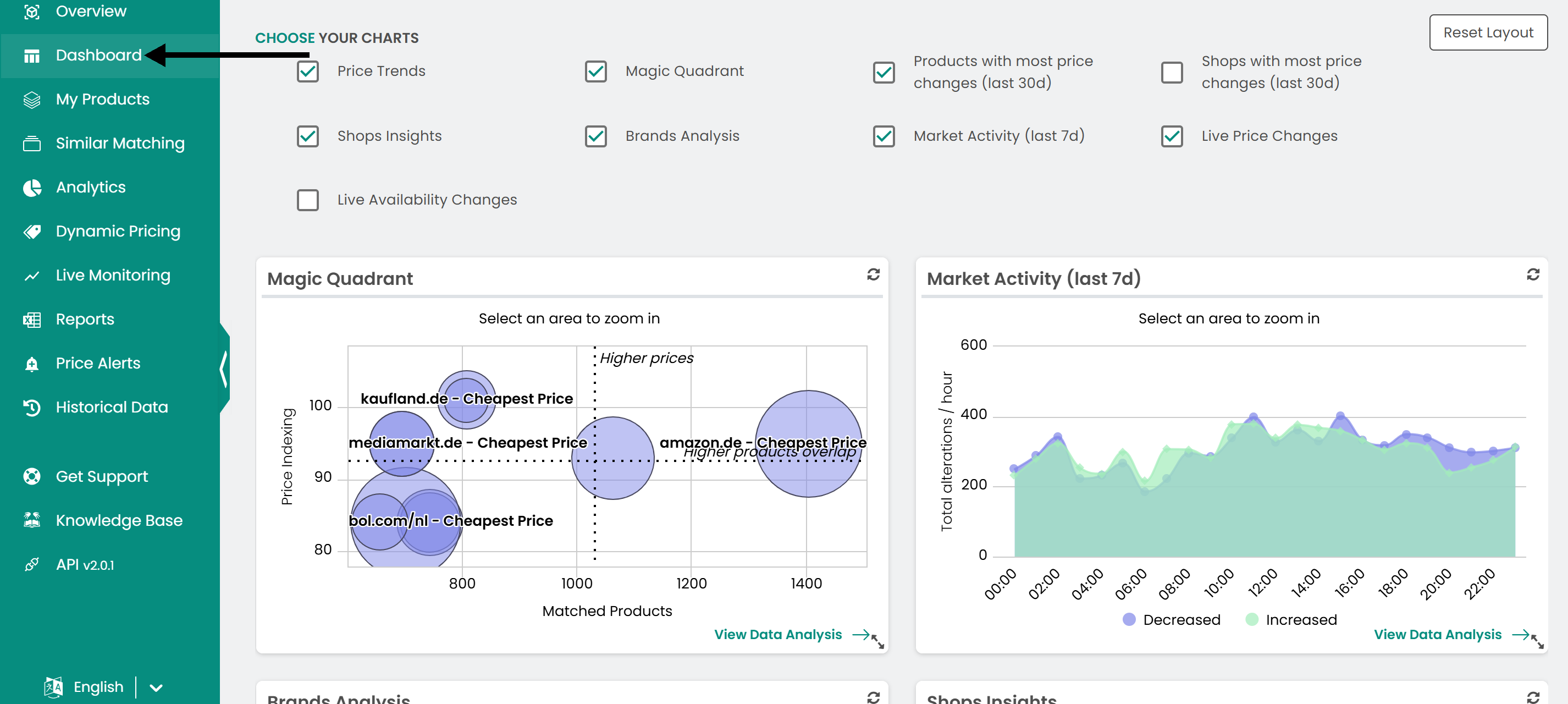
Click Dashboard in the left sidebar.
Choose your charts
Select from the available charts, such as Magic Quadrant or Shops with most price changes, to fill your dashboard.
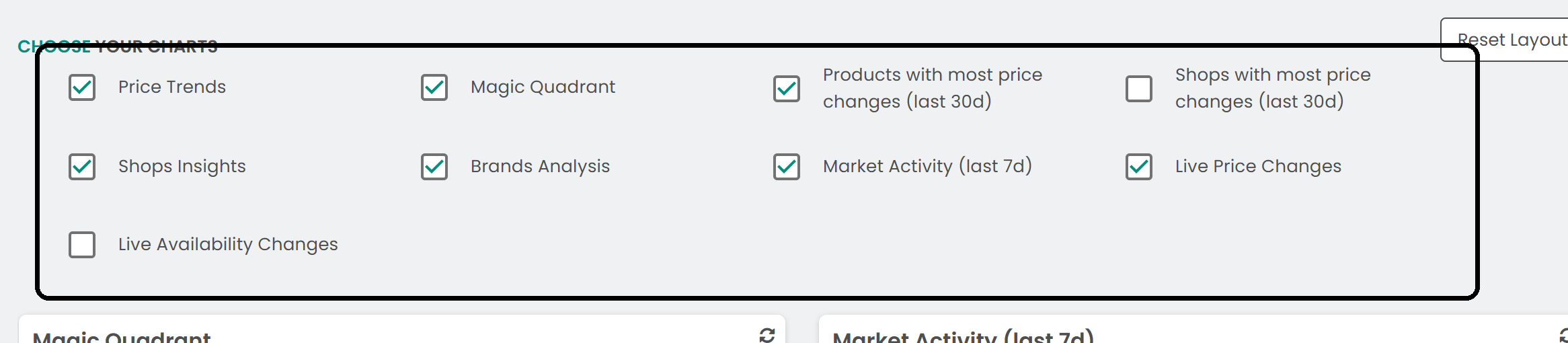
To go back to the default view, click Reset Layout.

Available charts
- Price Trends: The number of products with price increases and decreases over the last week, day by day.
- Magic Quadrant: Your monitored shops positioned by the number of products they share with you and how their prices compare to yours.
- Products with most price changes (last 30 days): The products whose prices changed most often in the last 30 days.
- Shops with most price changes (last 30 days): The shops that changed their prices most often in the last 30 days.
- Shops Insights: The number of products you have in common with each monitored shop.
- Brands Analysis: For each brand, how many of your products are cheaper, equal or overpriced compared to the market.
- Market Activity: At which hours of the day price changes mostly happen.
- Live Price Changes: A live feed of the latest price changes across your monitored shops.
- Live Availability Changes: A live feed of the latest availability changes across your monitored shops.
Was this article helpful?
That’s Great!
Thank you for your feedback
Sorry! We couldn't be helpful
Thank you for your feedback
Feedback sent
We appreciate your effort and will try to fix the article