Price alerts email you when prices or availability change in your market, so you never miss a critical shift. You choose what to watch, how big a change matters and how often you hear about it.
Click Price Alerts in the left sidebar.
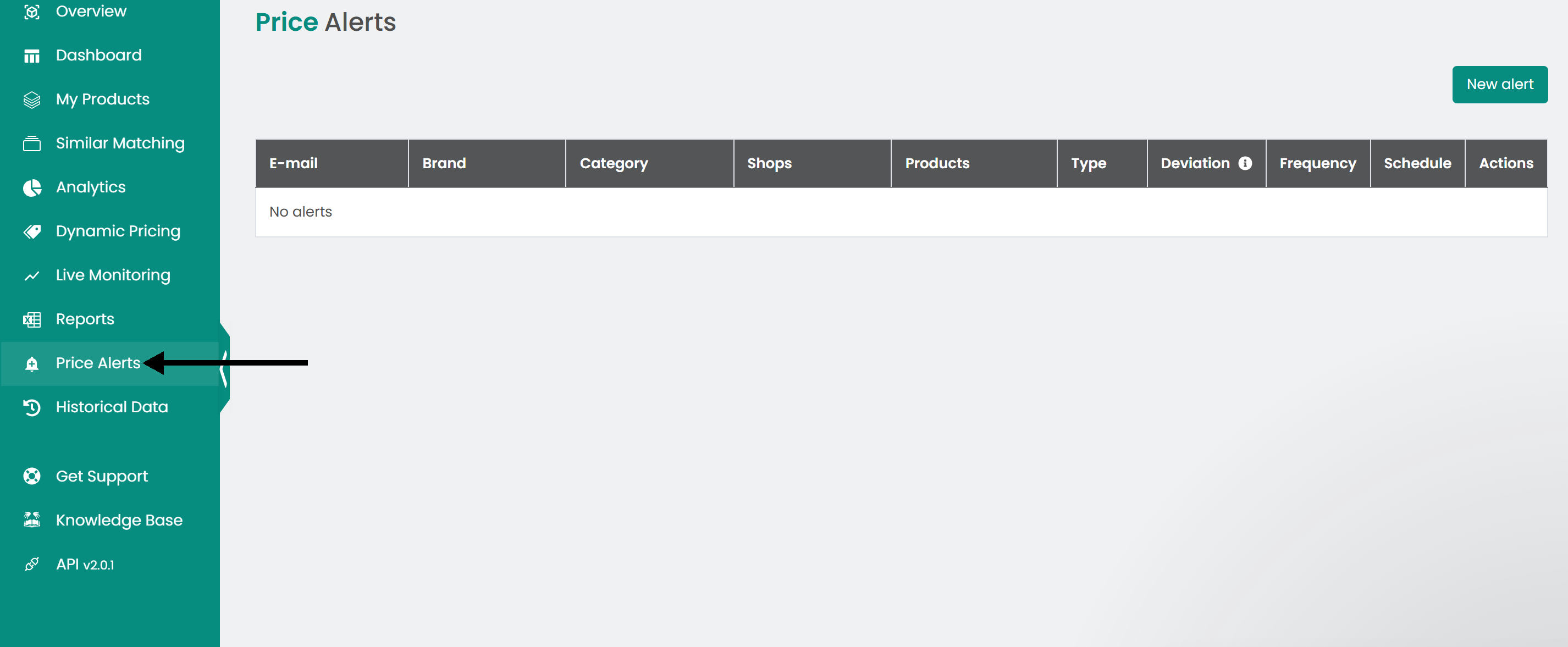
Create an alert
- Click New alert to open the alert window.
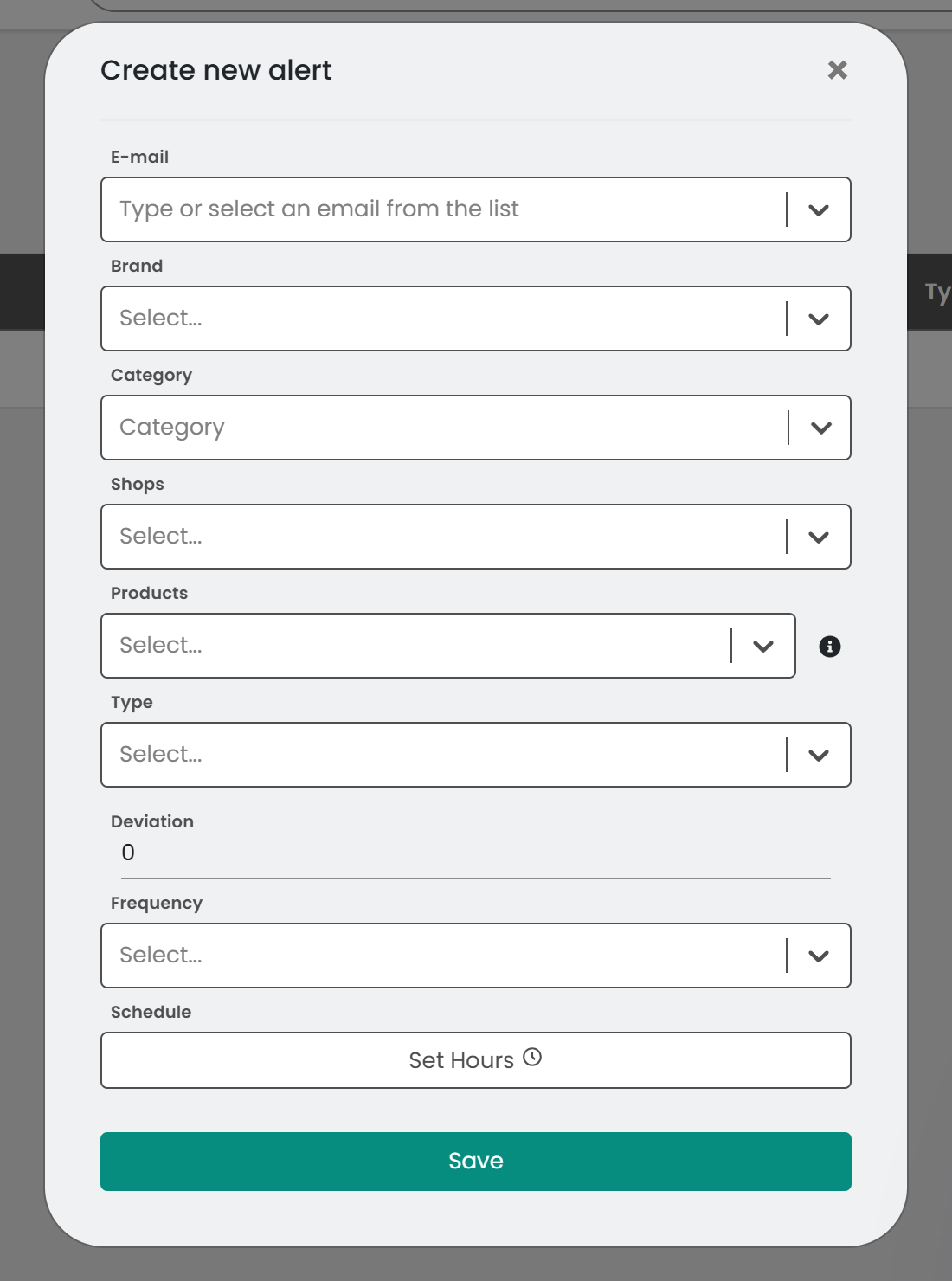
- Enter the email address that should receive the alerts. You can add more than one address.
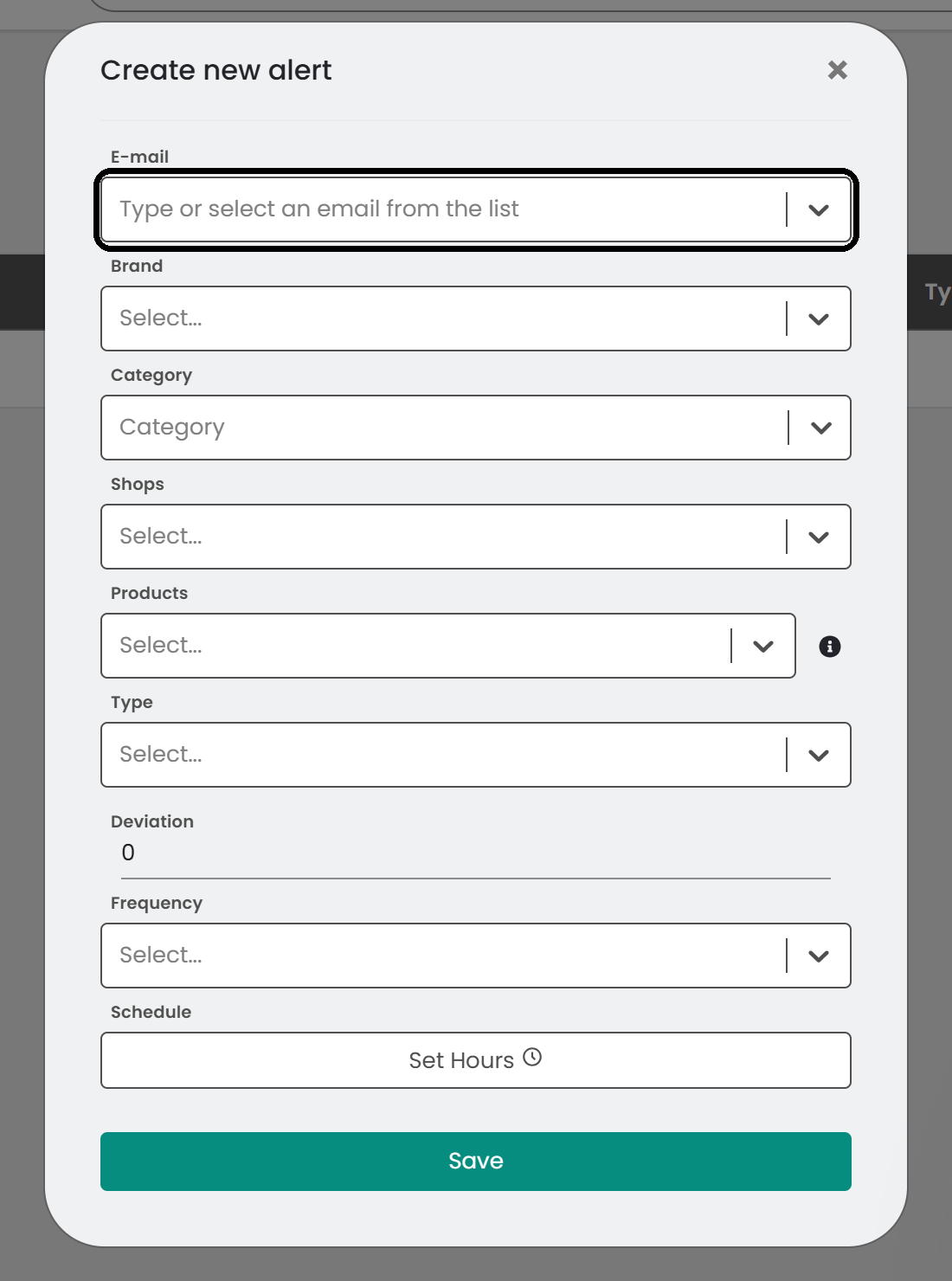
- Choose the scope of the alert: specific brands, categories, shops or individual products.
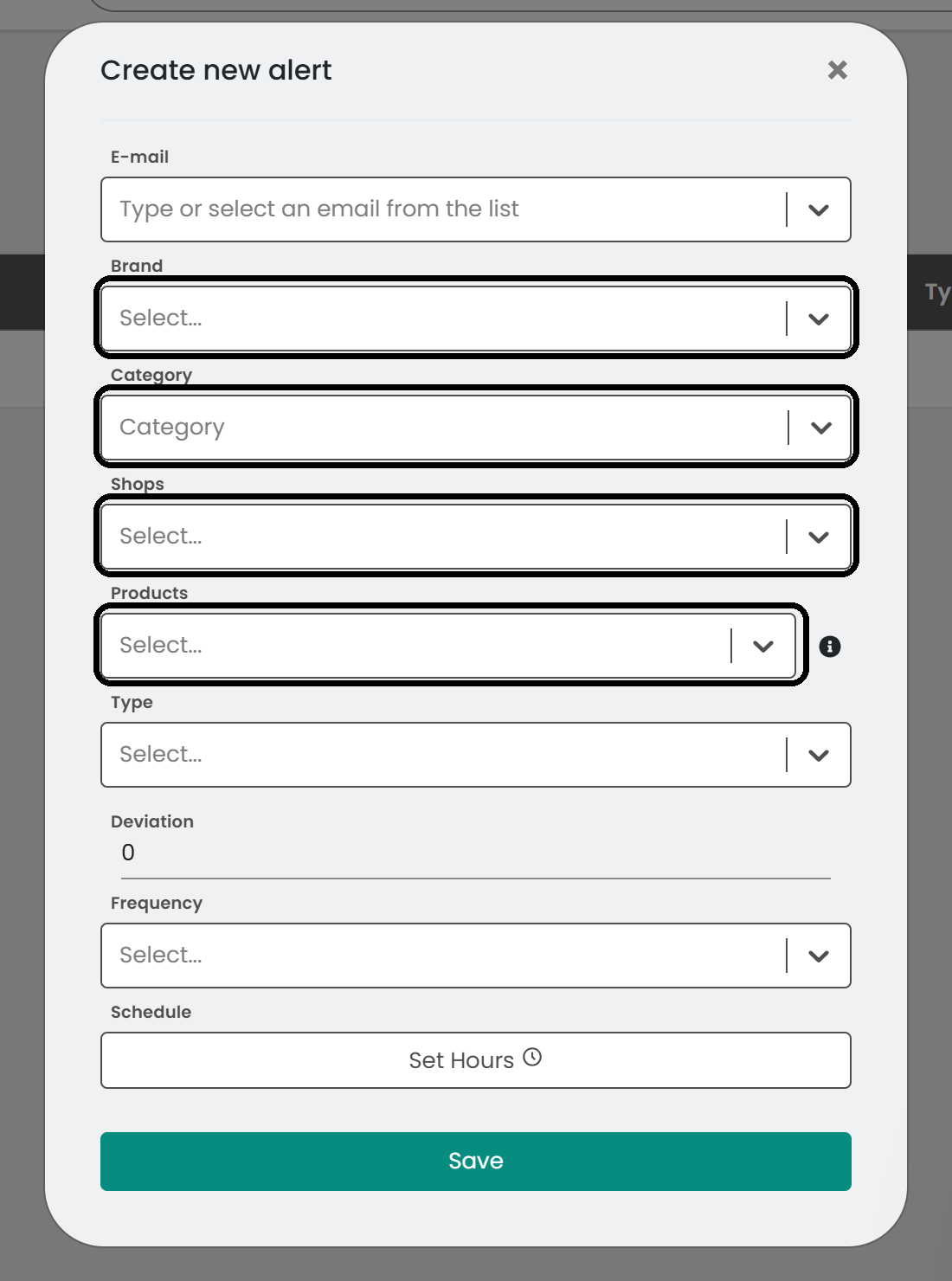
- Choose the type of alert: Price Change, Favorite Price Change or Availability Change.
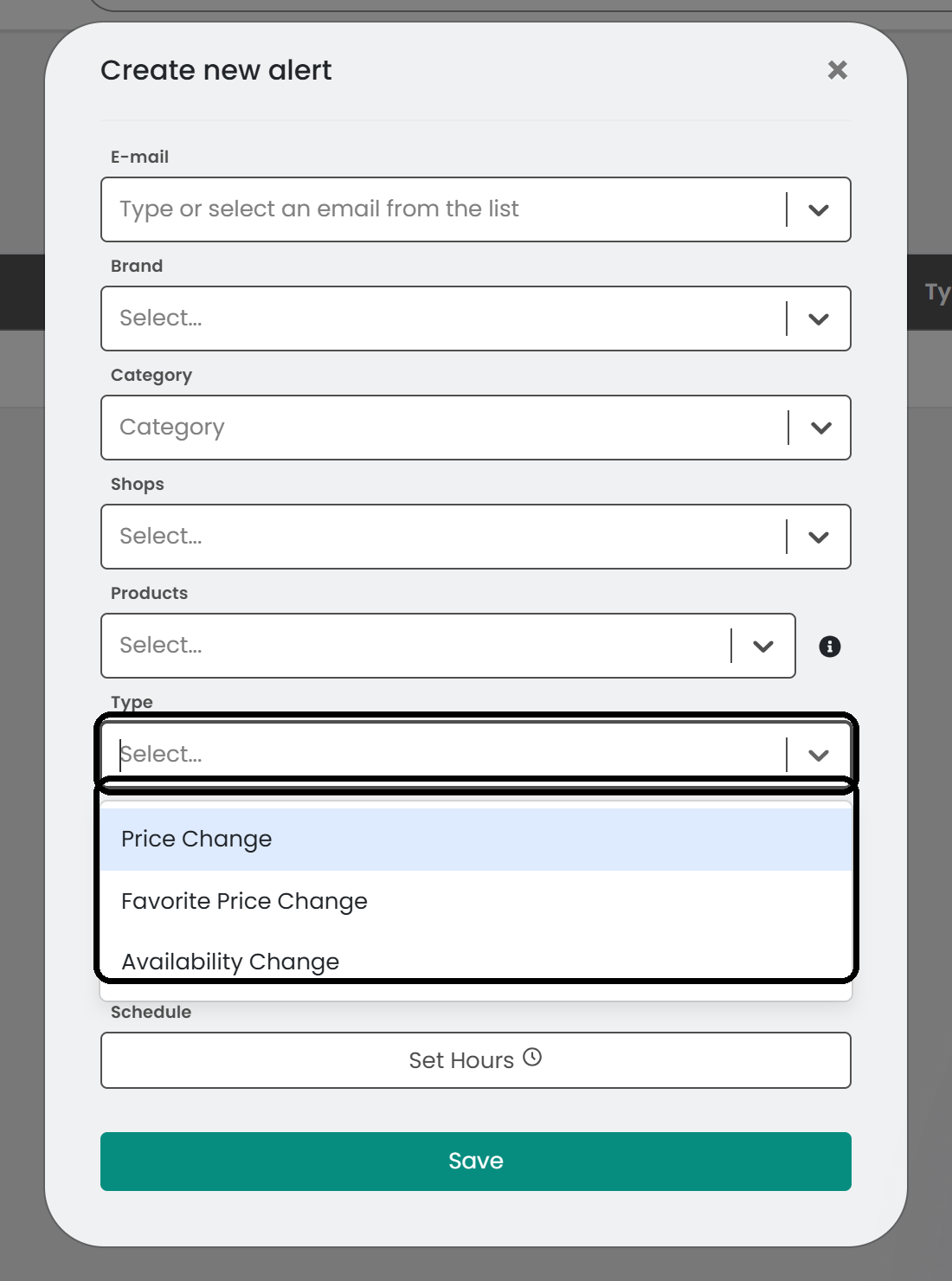
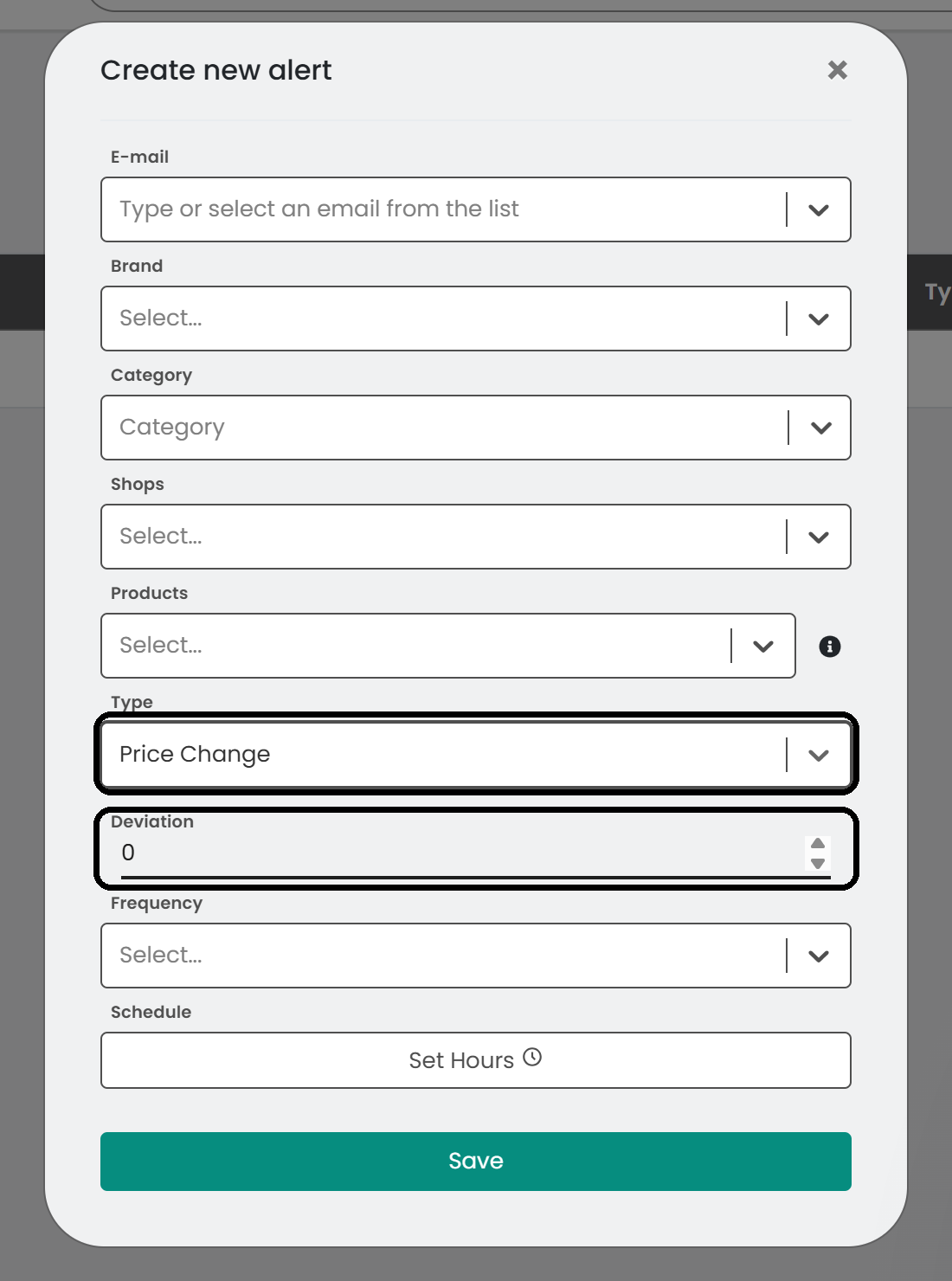
- For price alerts, set a Deviation percentage. You are notified when a price changes by more than that percentage, up or down.
- Choose how often you want to be notified: Daily or Instant.
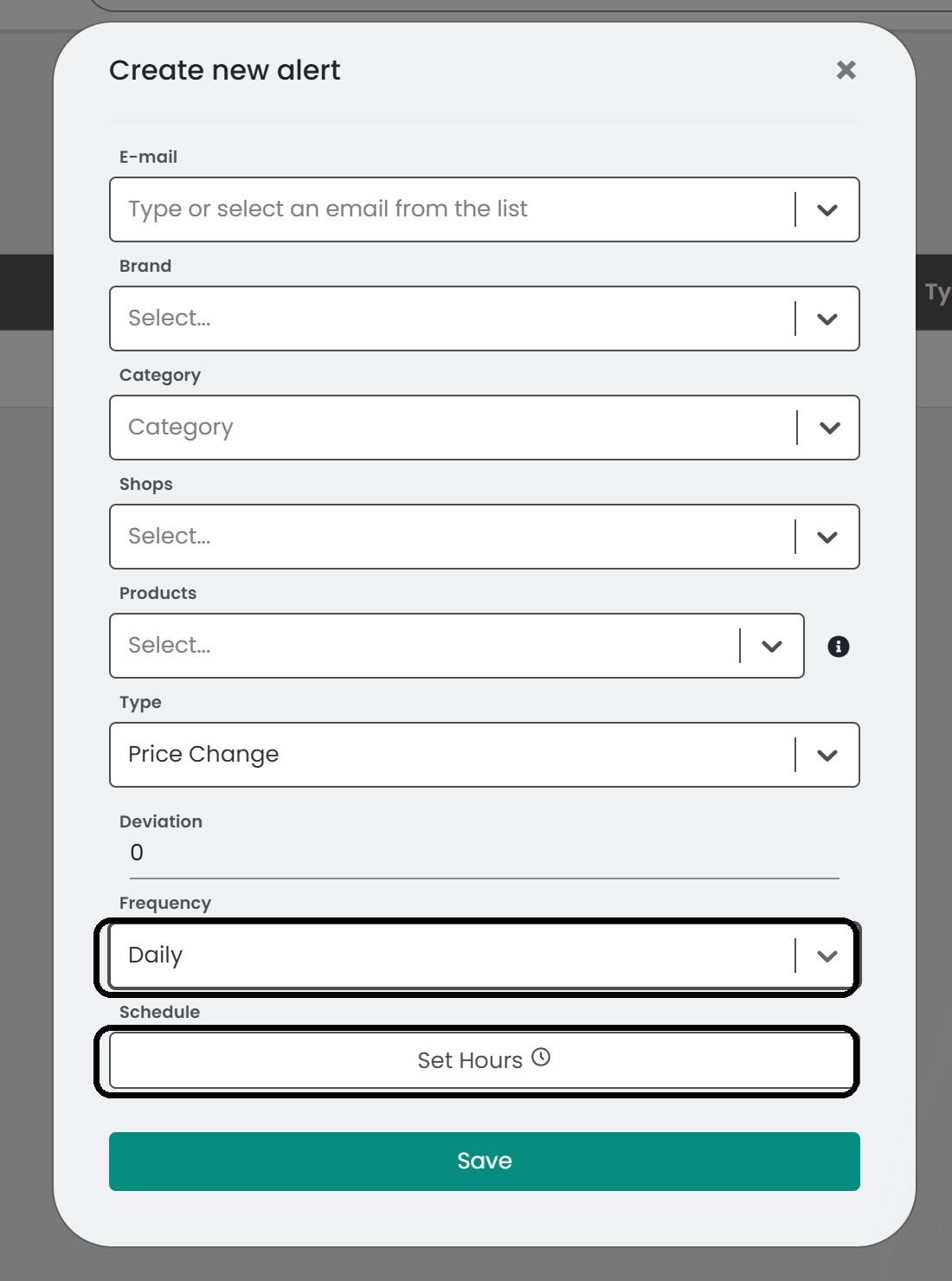
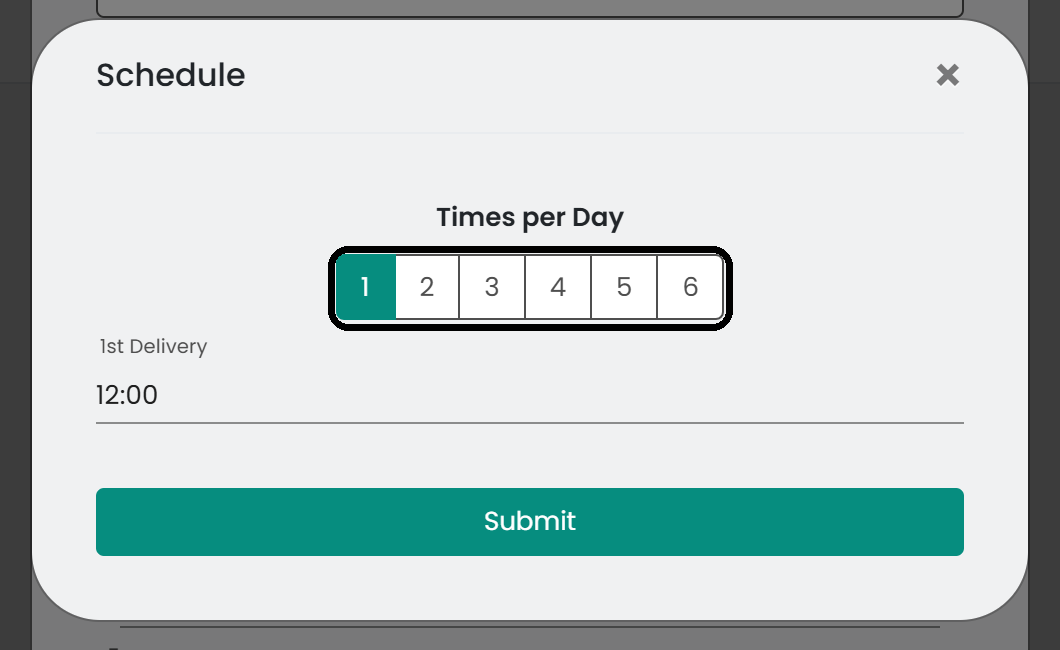
- For daily alerts, click Set Hours, choose how many times per day you want the email (1 to 6) and set the time of each delivery.
Note: You only receive an email when there is at least one matching change.
- Click Save to activate the alert.
Manage your alerts
The alerts list shows each alert with its type, frequency and scheduled times. Use the buttons in the last column to edit or delete an alert.
Was this article helpful?
That’s Great!
Thank you for your feedback
Sorry! We couldn't be helpful
Thank you for your feedback
Feedback sent
We appreciate your effort and will try to fix the article