Mark products as favorites to find a specific part of your assortment quickly.
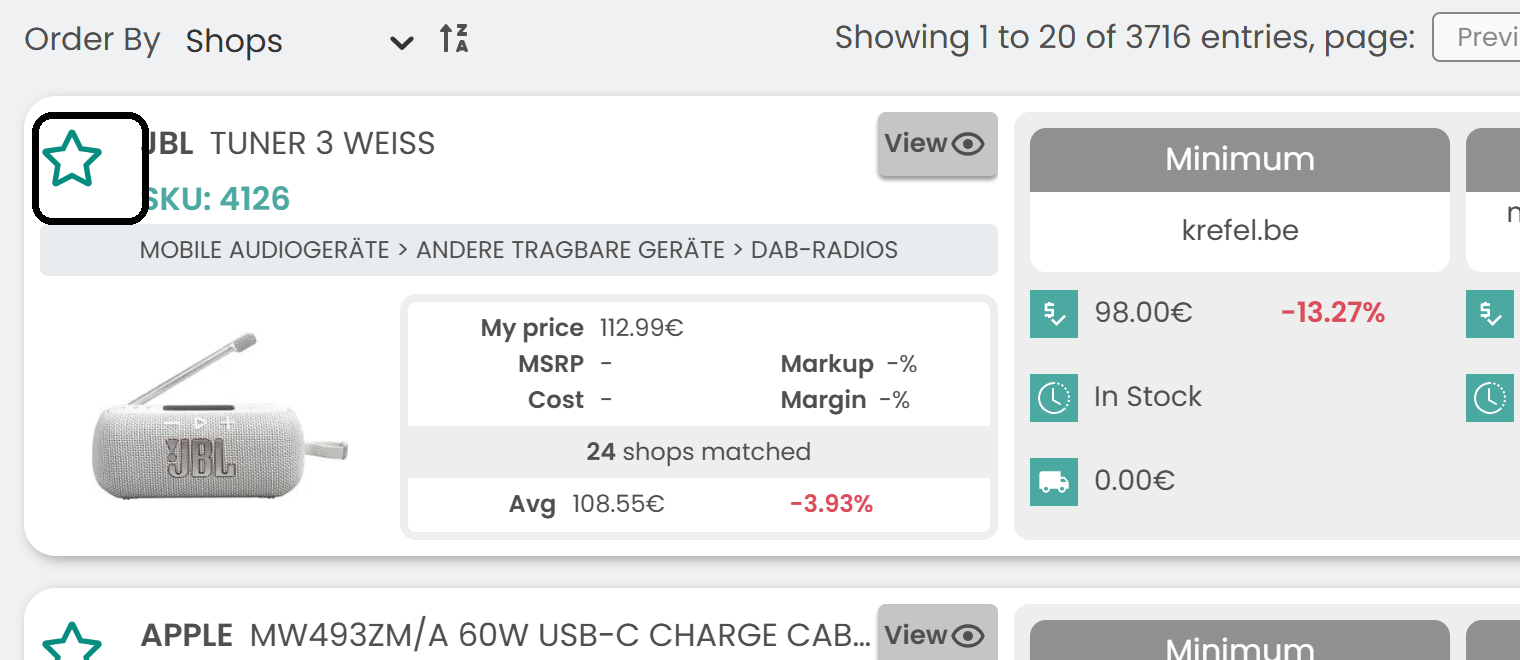
Mark a product as a favorite
In My Products, click the star icon of a product.
Find your favorites
Click More Filters at the top of the page and select Favourites to list your favorite products.

Note: Your favorites are saved per user. They also appear in the Favorite Products section of the Overview page.
Set price alerts for favorite products
- Click Price Alerts in the left sidebar.
- Click New alert.
- In the Type list, choose the favorite products.
You then receive alerts only for your favorite products.
Was this article helpful?
That’s Great!
Thank you for your feedback
Sorry! We couldn't be helpful
Thank you for your feedback
Feedback sent
We appreciate your effort and will try to fix the article