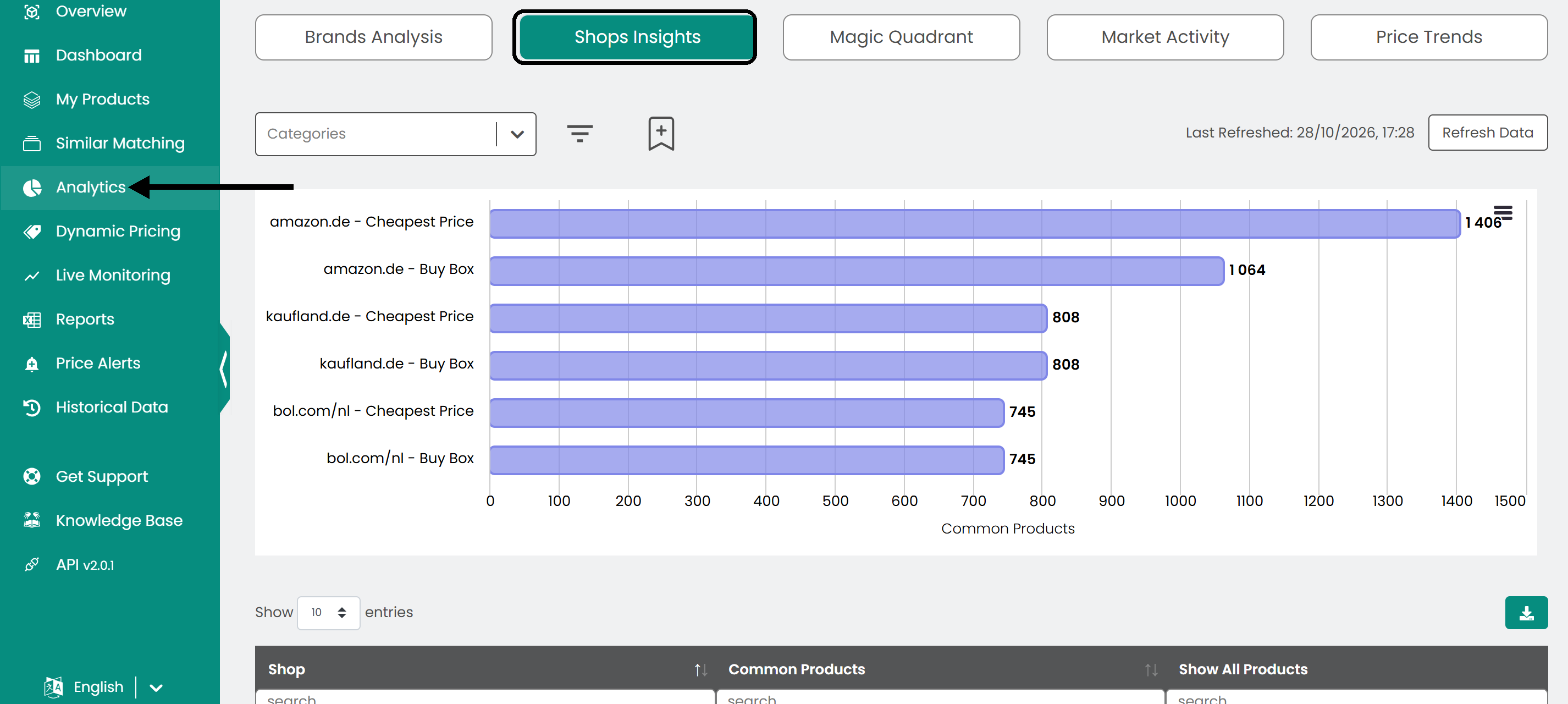
Shops Insights shows how many of your products each monitored shop also sells. Use it to find the shops that overlap most with your range.
Open it from Analytics in the left sidebar, then click the Shops Insights tab.
Read the graph and table
- Graph: A horizontal bar for each shop. The length of the bar is the number of products you share with that shop.
- Table: Every shop with the exact number of common products.
Filter the data
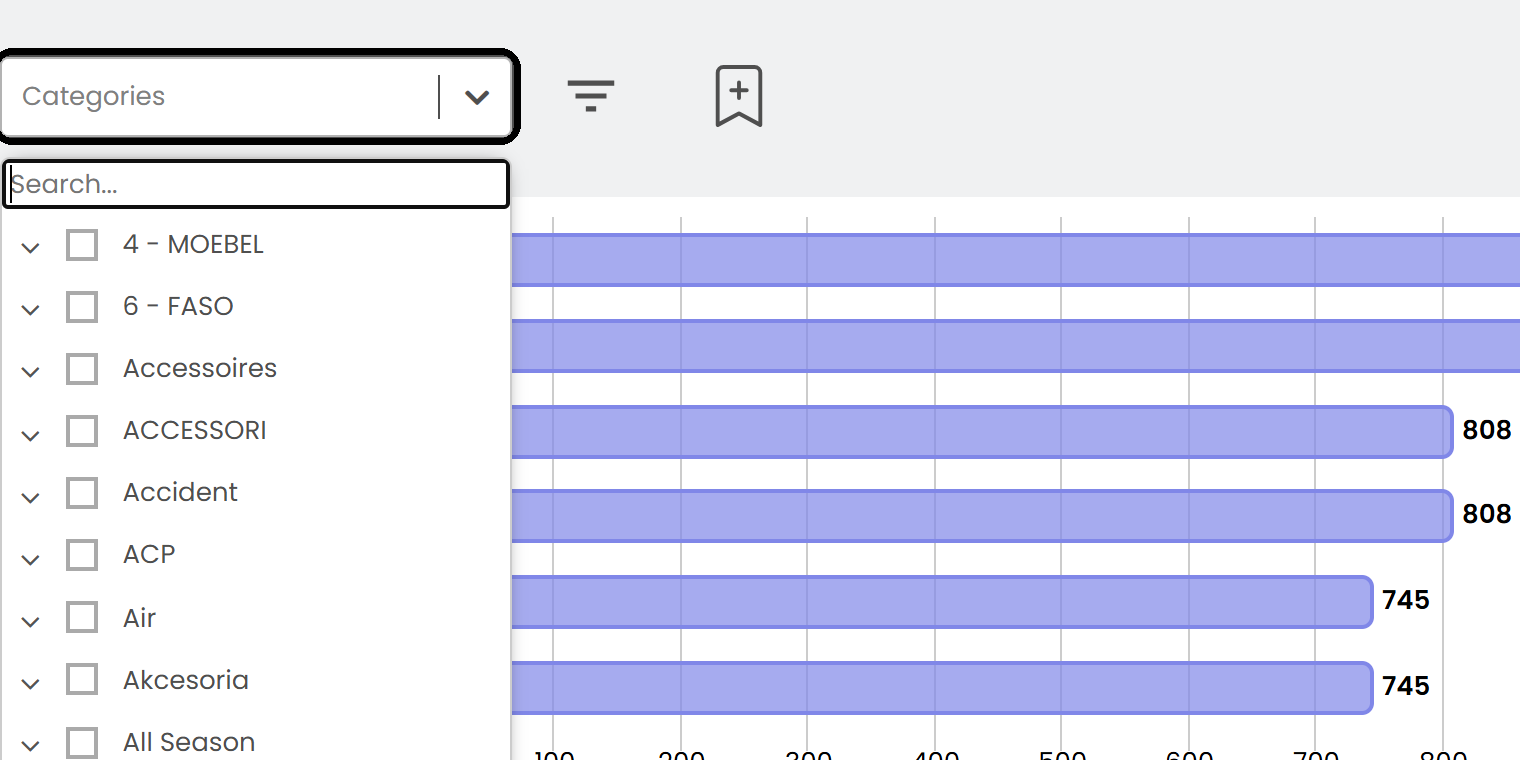
Use the list above the chart to filter by product category. Click More filters to filter by tags, SKU or availability.
Explore the details
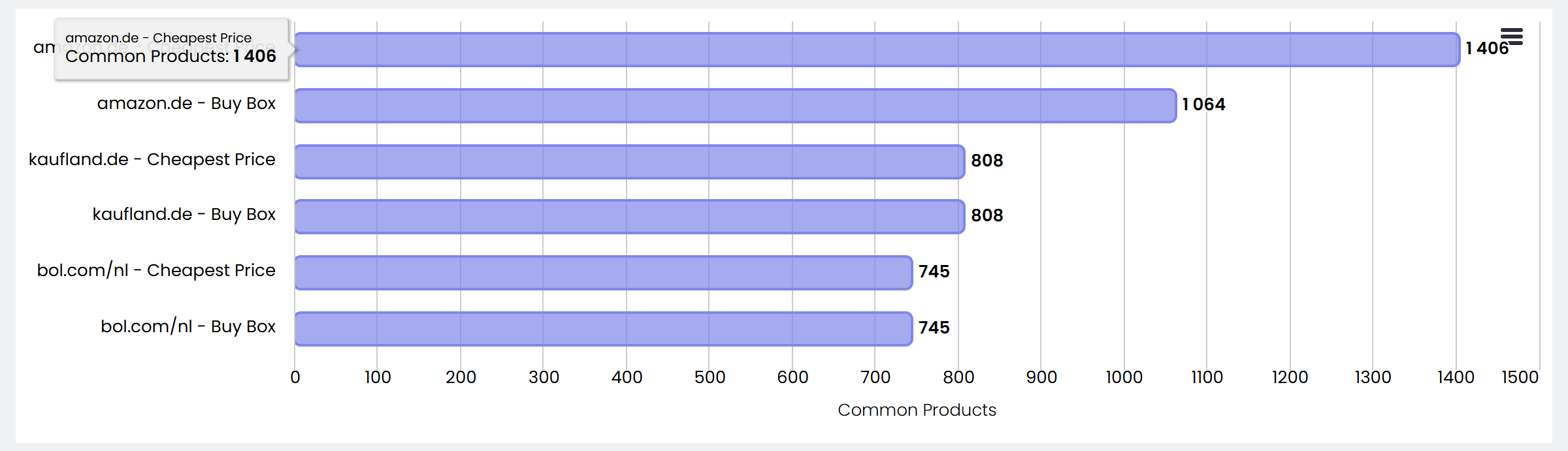
Hover over a bar to see the exact number of common products for that shop.
In the table, type in the box under a column header to filter the rows, for example to find a specific shop. Click a column header to sort, for example to see the shops with the highest or lowest overlap.

Click Show in the last column to see exactly which products you share with a shop.

Export the data
To use the data elsewhere, click the download button above the table to save it as a CSV file.

Was this article helpful?
That’s Great!
Thank you for your feedback
Sorry! We couldn't be helpful
Thank you for your feedback
Feedback sent
We appreciate your effort and will try to fix the article