Dynamic Pricing applies your pricing rules to your products and proposes new prices based on market conditions.
Open it by clicking Dynamic Pricing in the left sidebar.
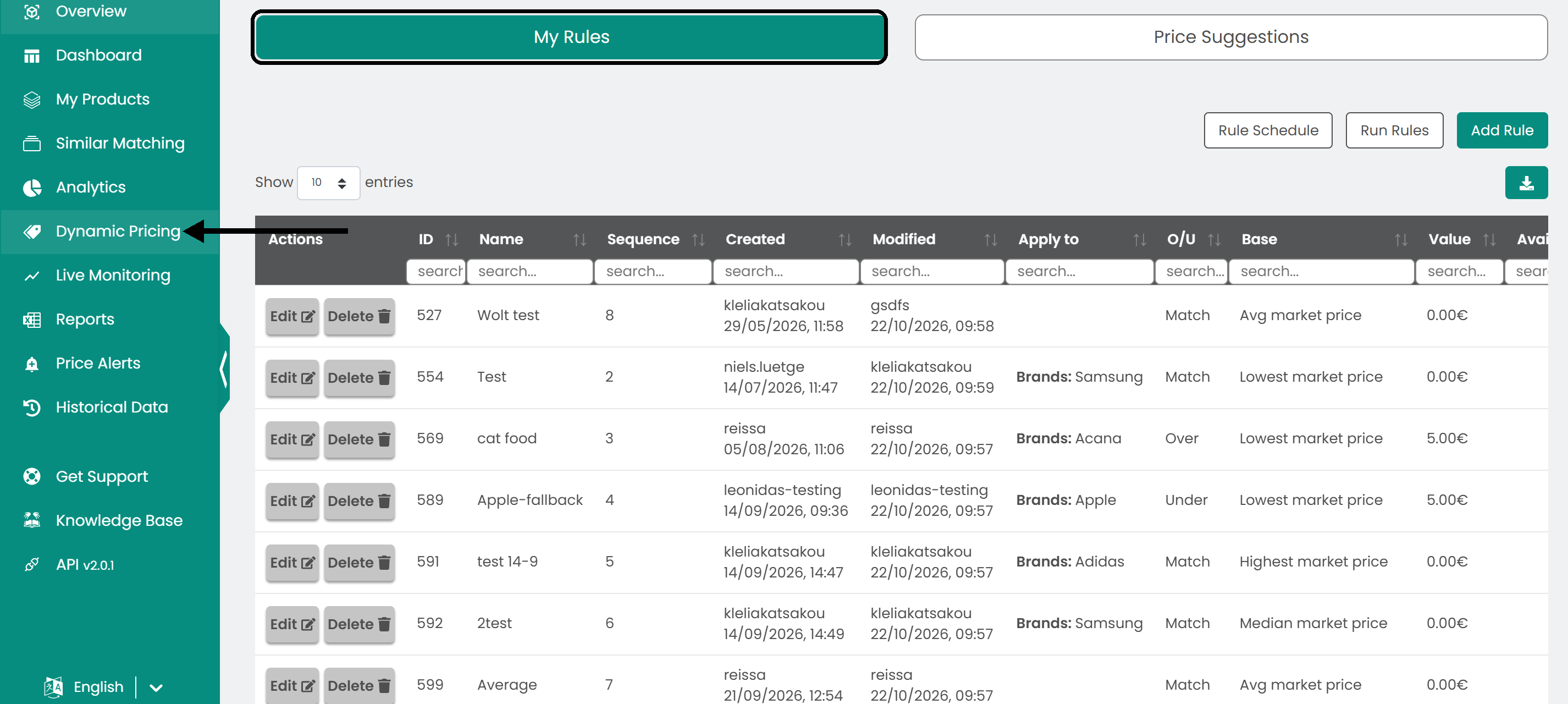
Manage your rules
The My Rules tab lists all your active and inactive rules, with each rule's ID, name, creation date and last modification date.
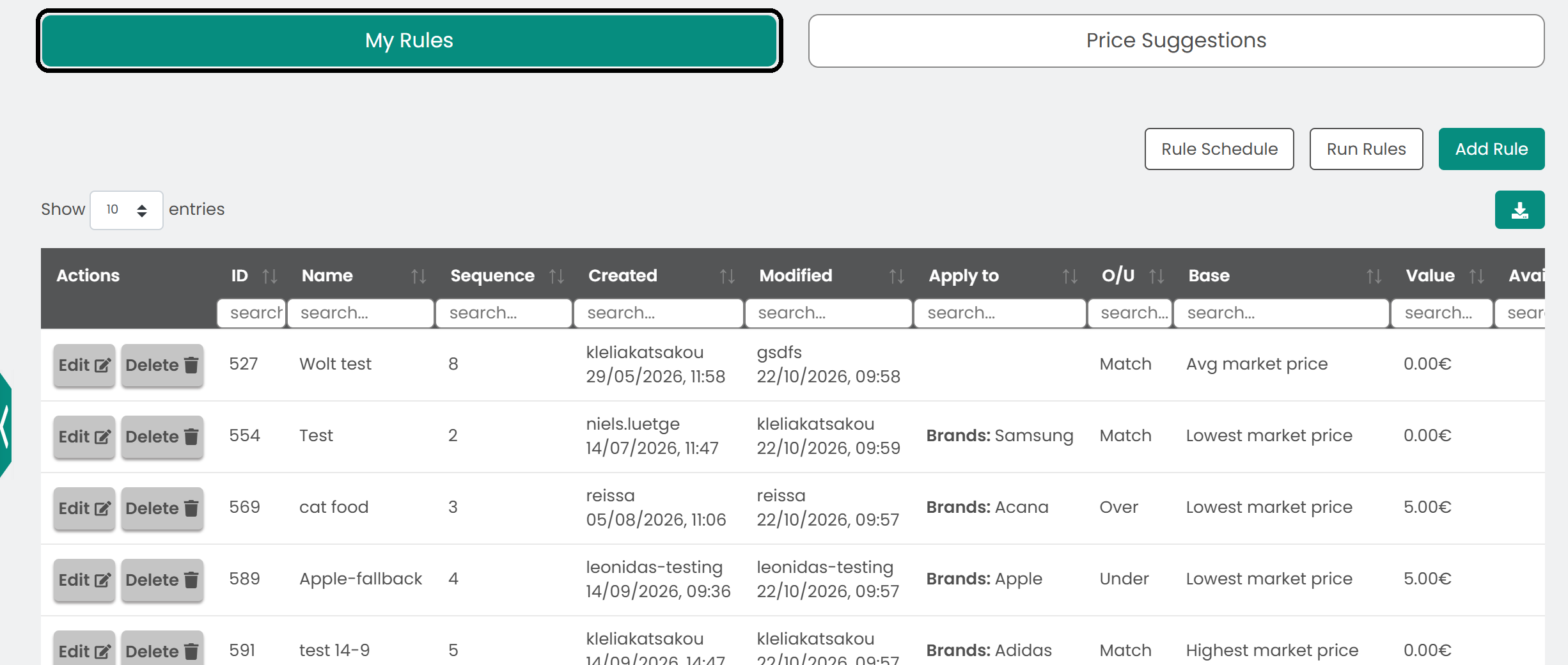
The Modified column shows when a rule was last edited.
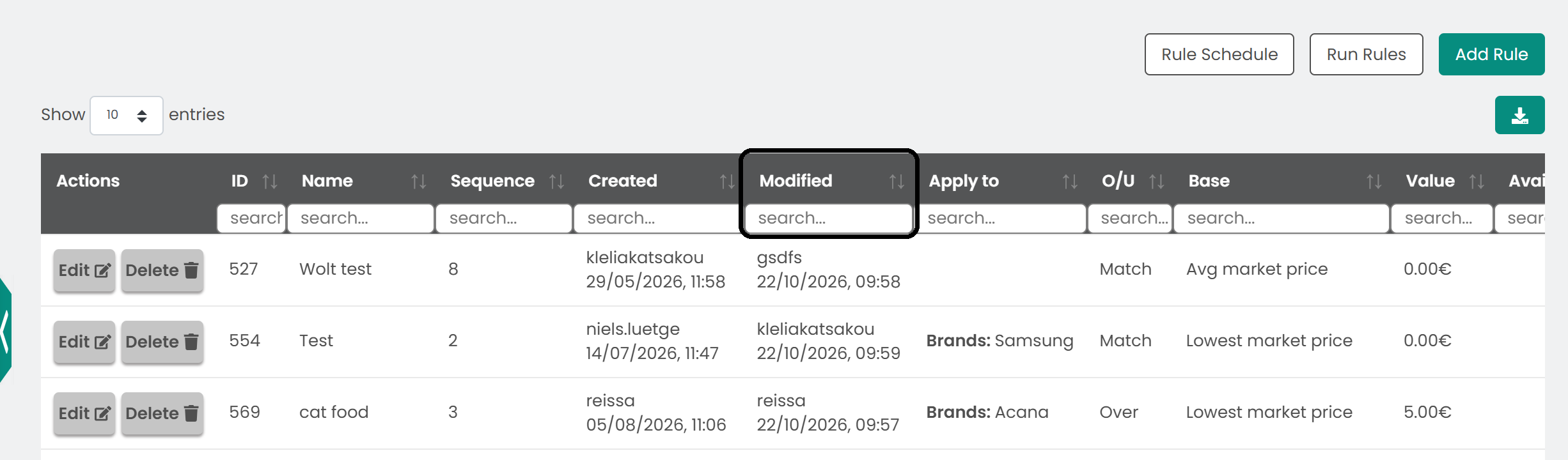
Use the edit and delete buttons on the right to change or remove a rule.
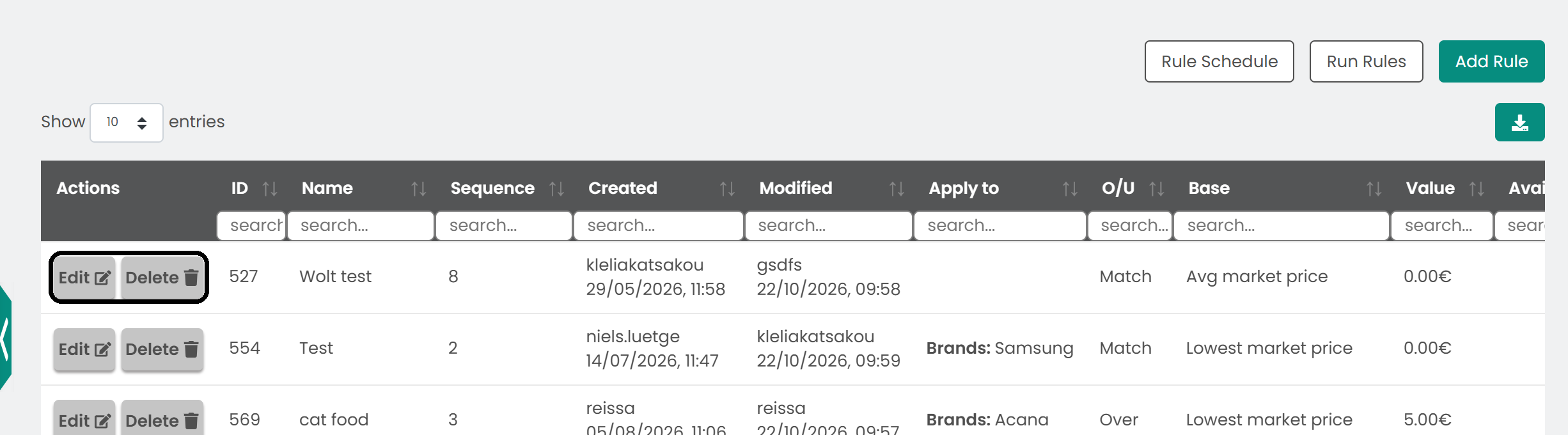
Run and schedule your rules
Click Run Rules to process your active rules and apply them to your products, based on the criteria and conditions you set.
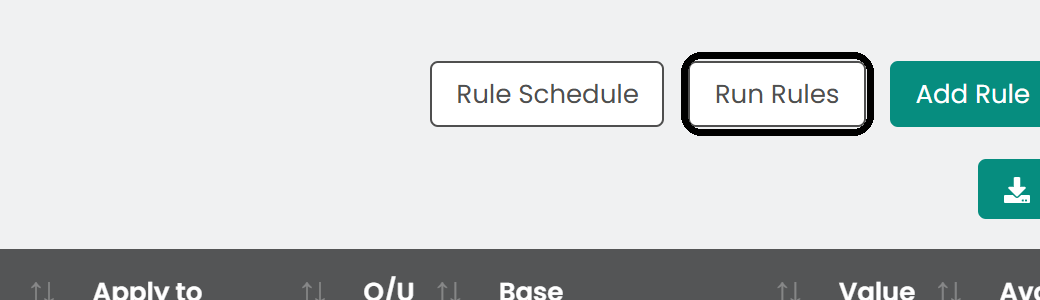
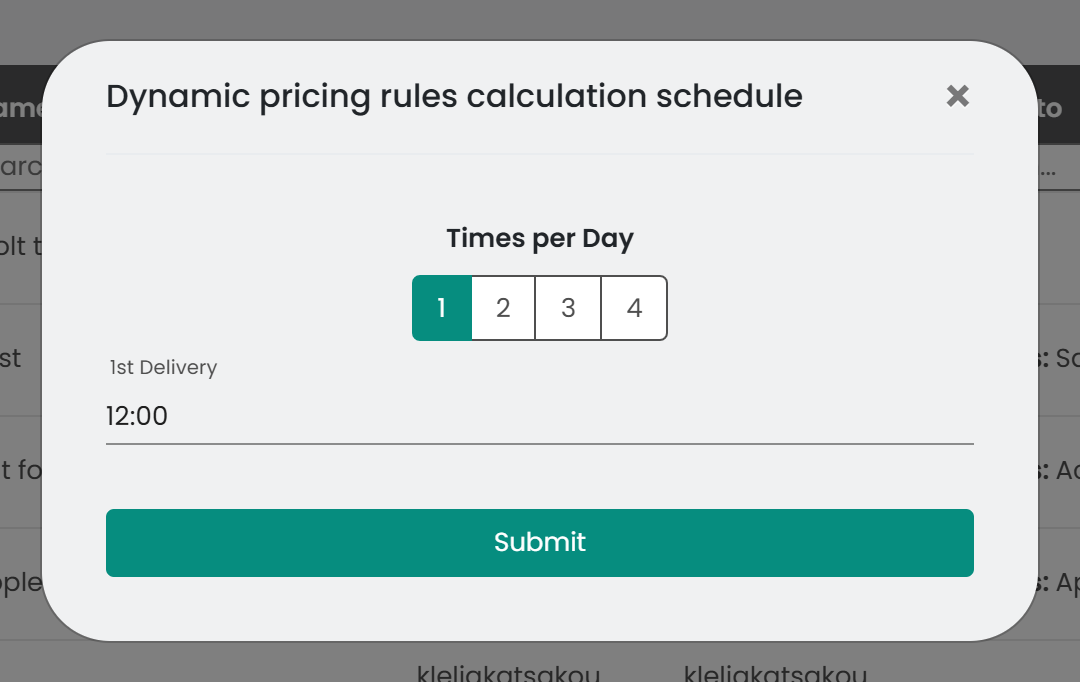
To run the rules automatically, click Rule Schedule, select up to 4 times per day and click Submit.
Create a rule
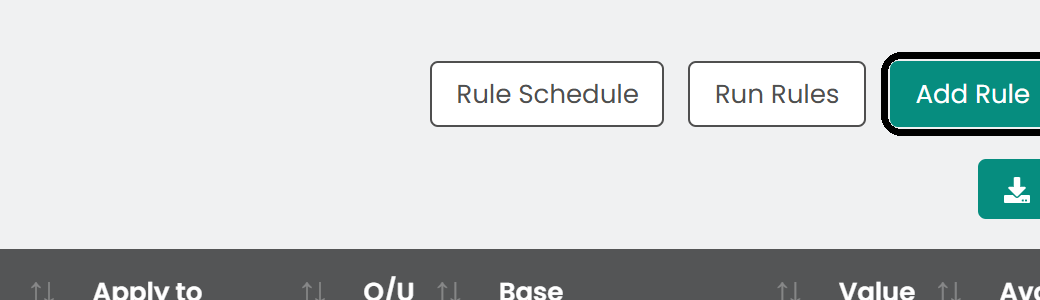
Click Add Rule in the top right.
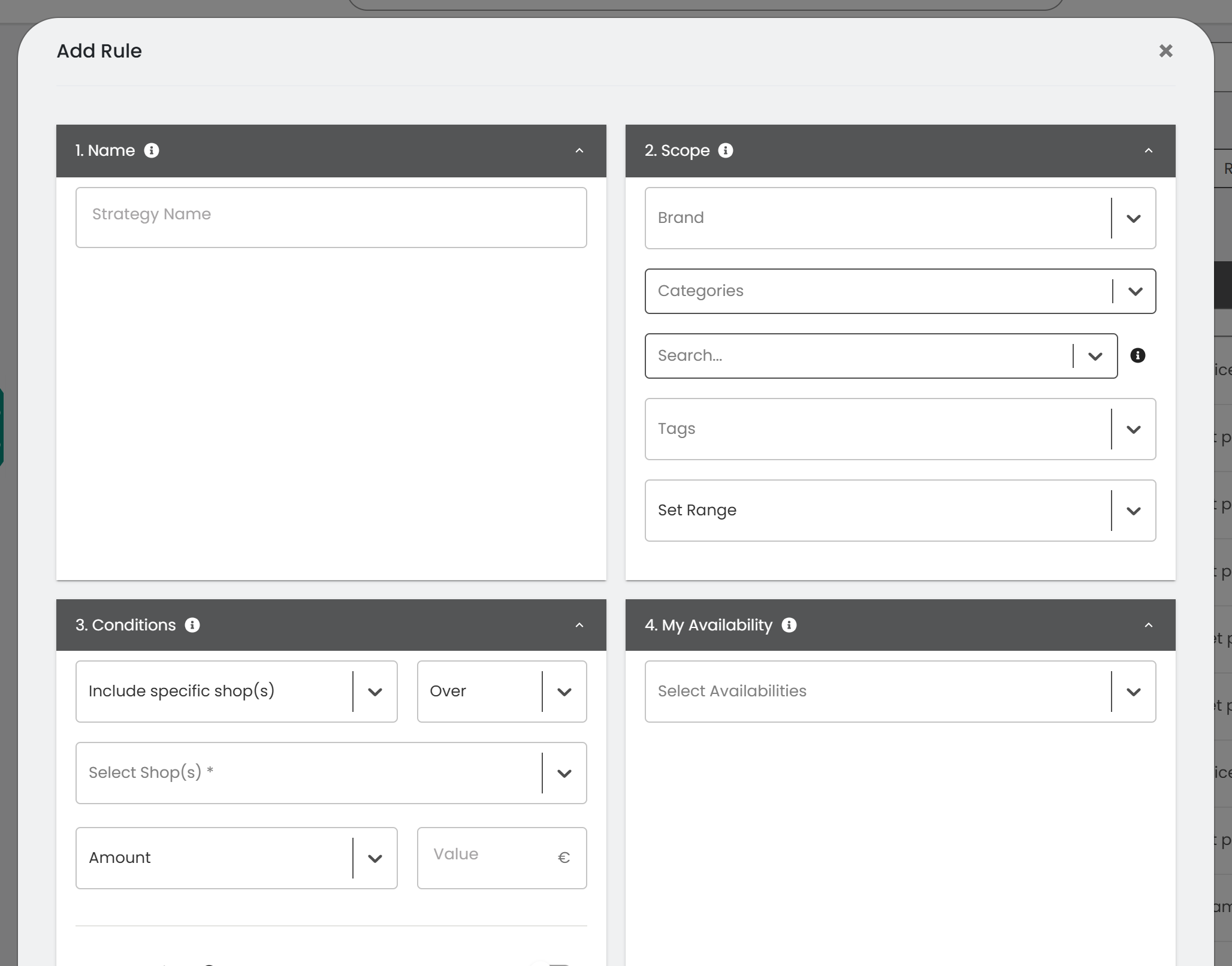
In the form, name your strategy, define the conditions under which it applies, and set parameters such as a percentage or value change. For every field, see Add a new dynamic pricing rule.
Review price suggestions
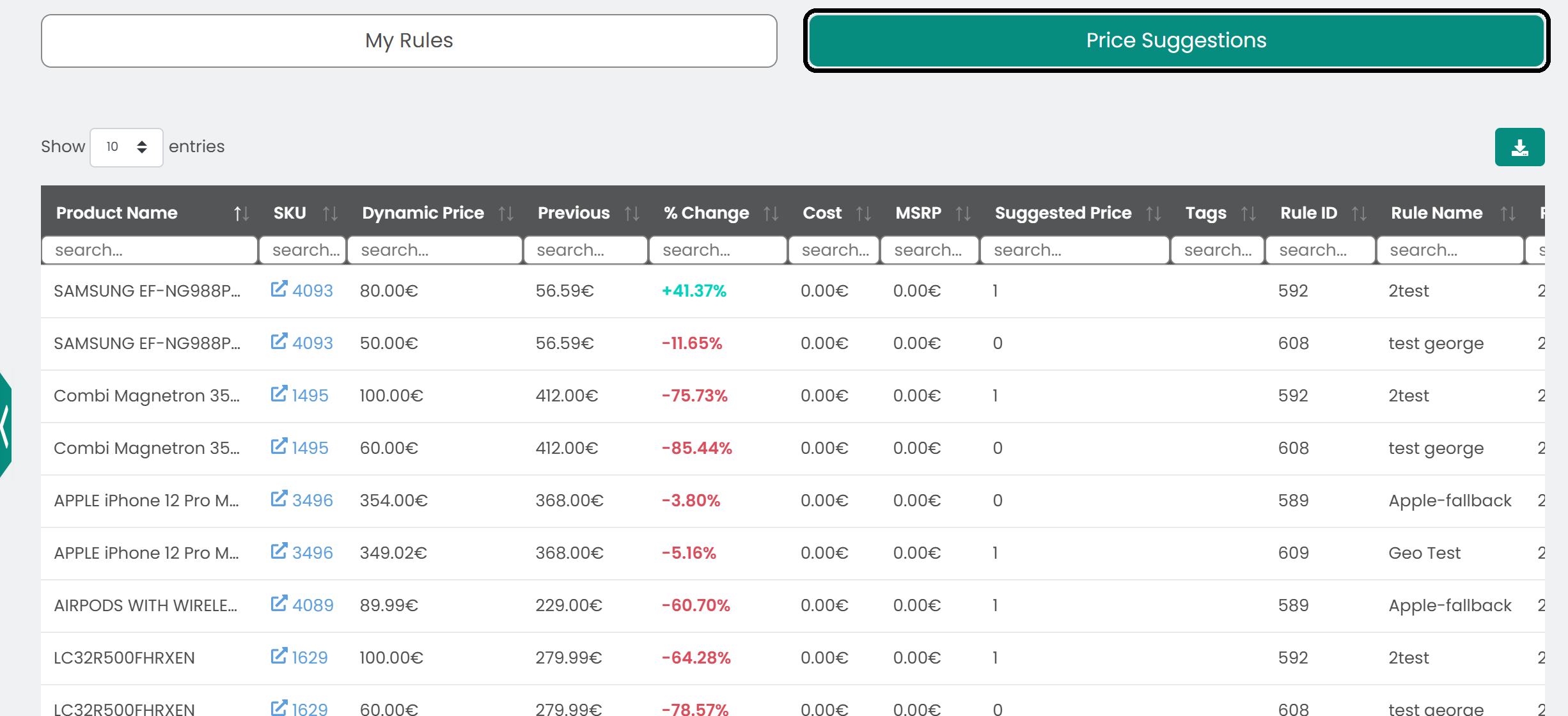
The Price Suggestions tab lists the proposed price changes for your products. Each suggestion shows the current price, the suggested price, the percentage change and the reason, based on your rules or market data. Review each suggestion before you decide.
Export the data
To use the data elsewhere, click the download button to save it as a CSV file.

Was this article helpful?
That’s Great!
Thank you for your feedback
Sorry! We couldn't be helpful
Thank you for your feedback
Feedback sent
We appreciate your effort and will try to fix the article