Product Availability Changes lists the changes in a product's availability across the shops you monitor.
In My Products, click View on a product, then open the Product Availability Changes tab.

Read the table
| Column | Meaning |
|---|---|
| Product | The name and model of the product. |
| Brand | The manufacturer or brand of the product. |
| Updated on | The date and time the availability was last updated. |
| Shop | The shop where the availability changed. |
| Availability Before | The availability status before the update. |
| Availability After | The availability status after the update. |
Filter the data
Choose a shop in the list to see only its availability changes, or leave it on Any to see all shops.
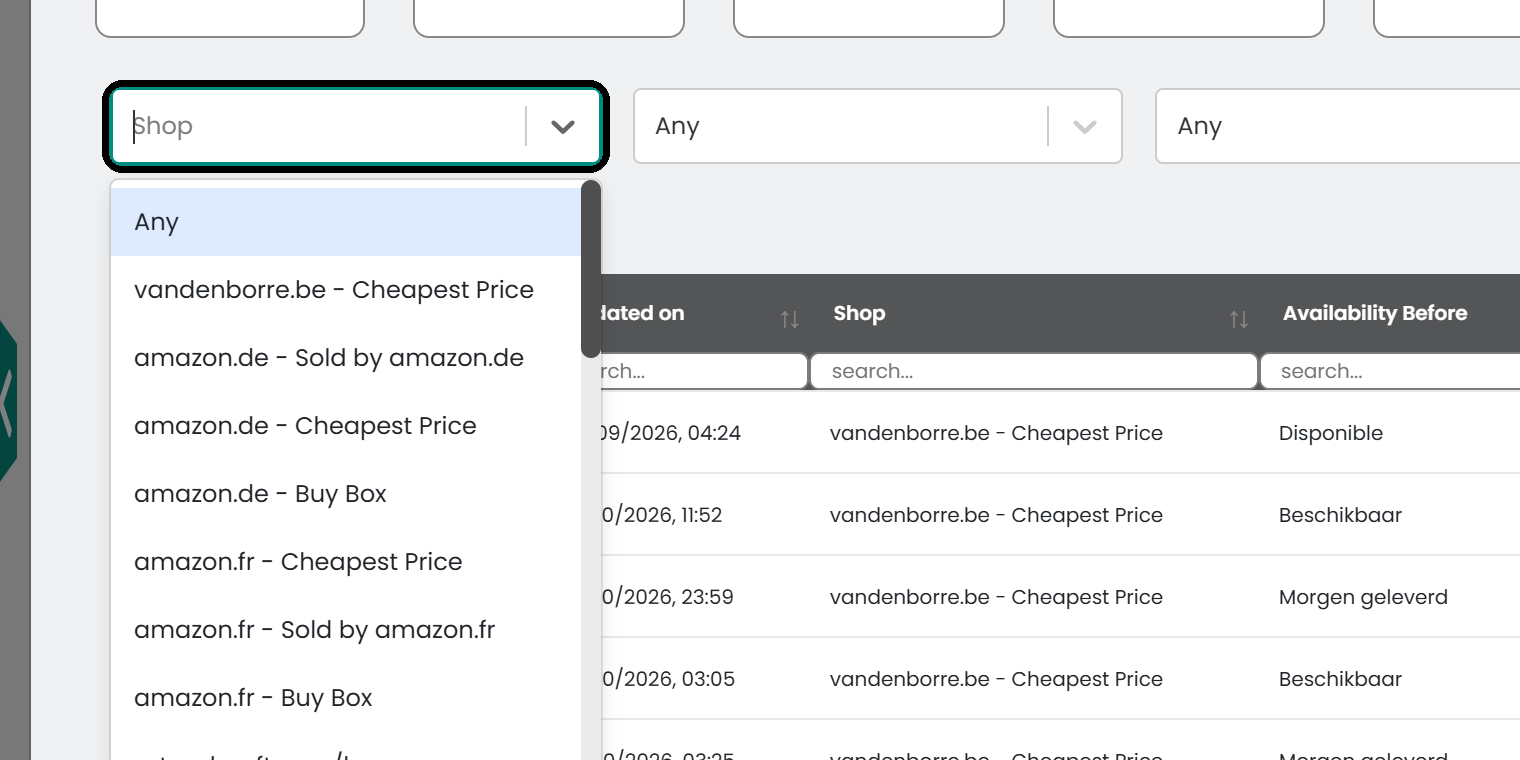
Use the Availability Before and Availability After lists to find the changes you want, for example products that went from in stock to out of stock.

Export the data
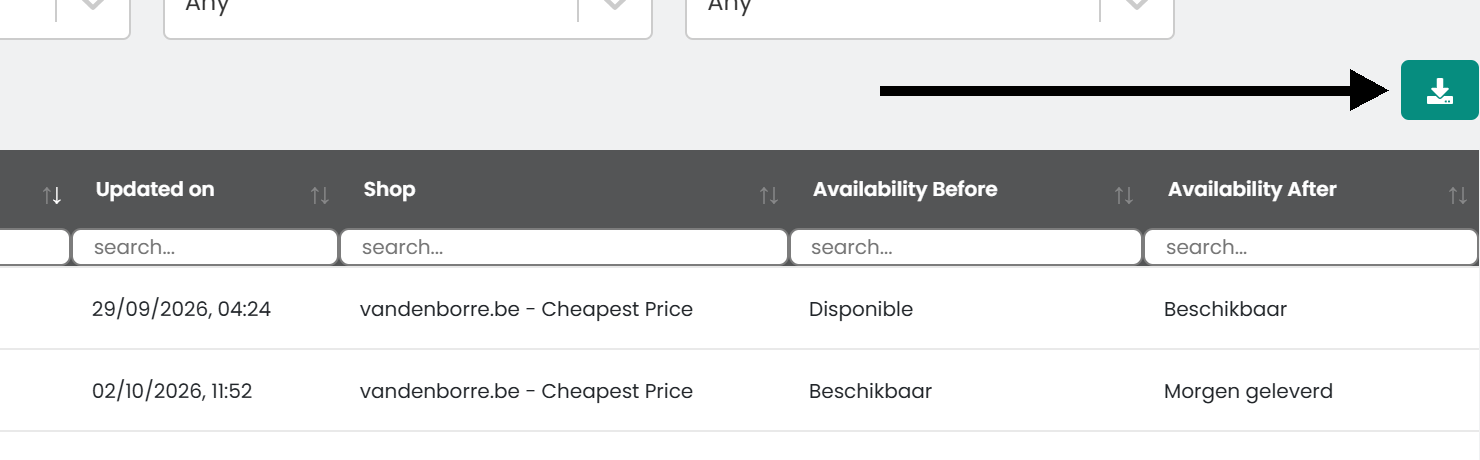
To use the data elsewhere, click the download button above the table to save it as a CSV file.
Was this article helpful?
That’s Great!
Thank you for your feedback
Sorry! We couldn't be helpful
Thank you for your feedback
Feedback sent
We appreciate your effort and will try to fix the article