Contact tgndata support from inside the app, and check the status of your requests. You can also explore the Knowledge Base.
Contact support
- Log in to tgndata and click Get Support.
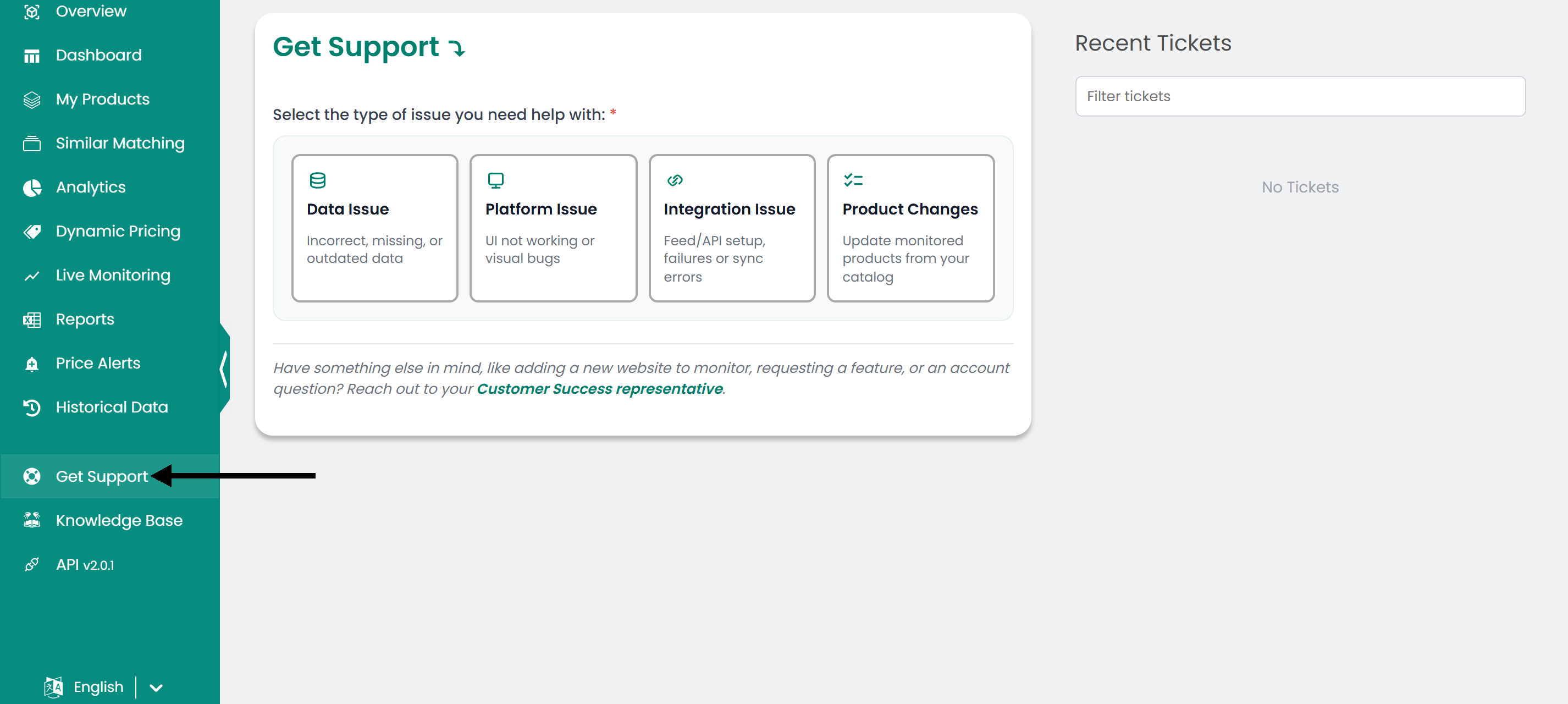
- Select the type of question or issue you have.
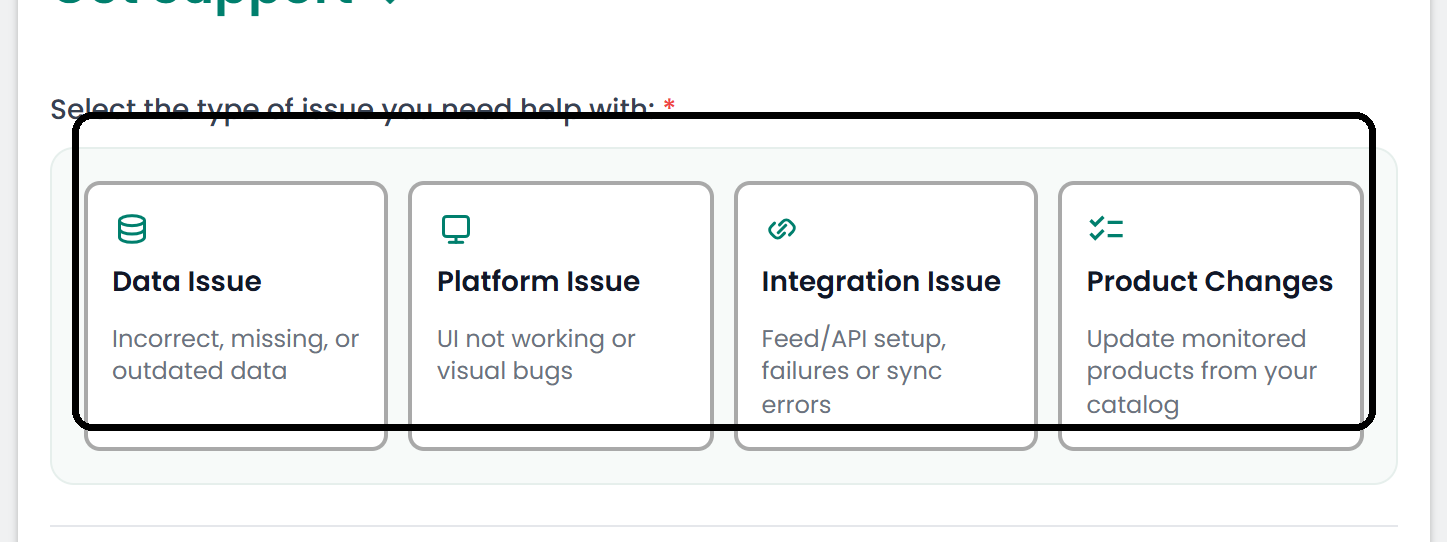
- Describe the issue. To help us resolve it faster, include:
- SKUs: The products where you saw the issue.
- Shop: The names of the affected shops.
- Screenshots: Click the attachments icon to add screenshots or a screen recording.
- Add any other comments and submit your message. The tgndata support team follows up with you.
Check the status of a request
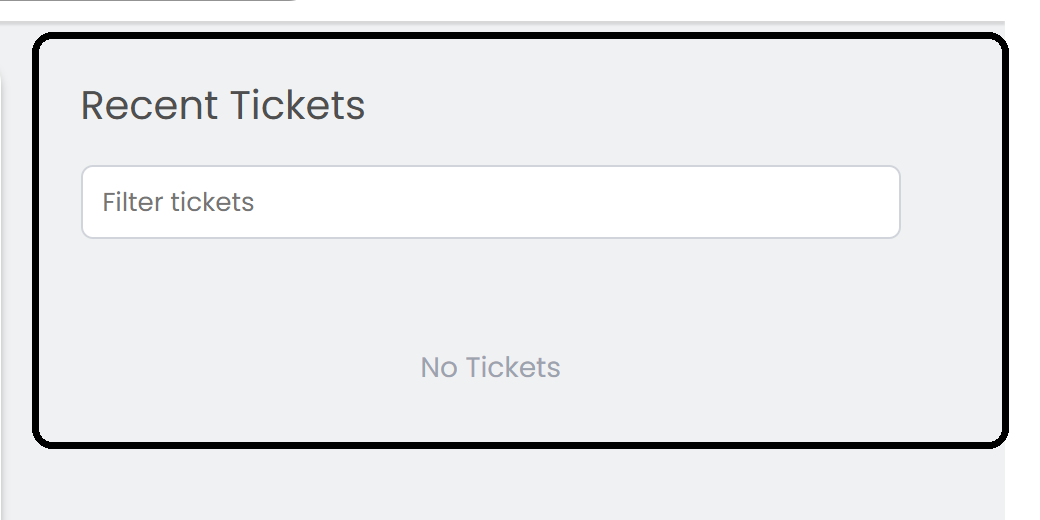
Find the status of a request and your support history in the right panel under Recent Tickets. Click a ticket to see its message history.
Was this article helpful?
That’s Great!
Thank you for your feedback
Sorry! We couldn't be helpful
Thank you for your feedback
Feedback sent
We appreciate your effort and will try to fix the article