If you forgot your password, you can reset it from the login page. Go to https://app.tgndata.com/login.
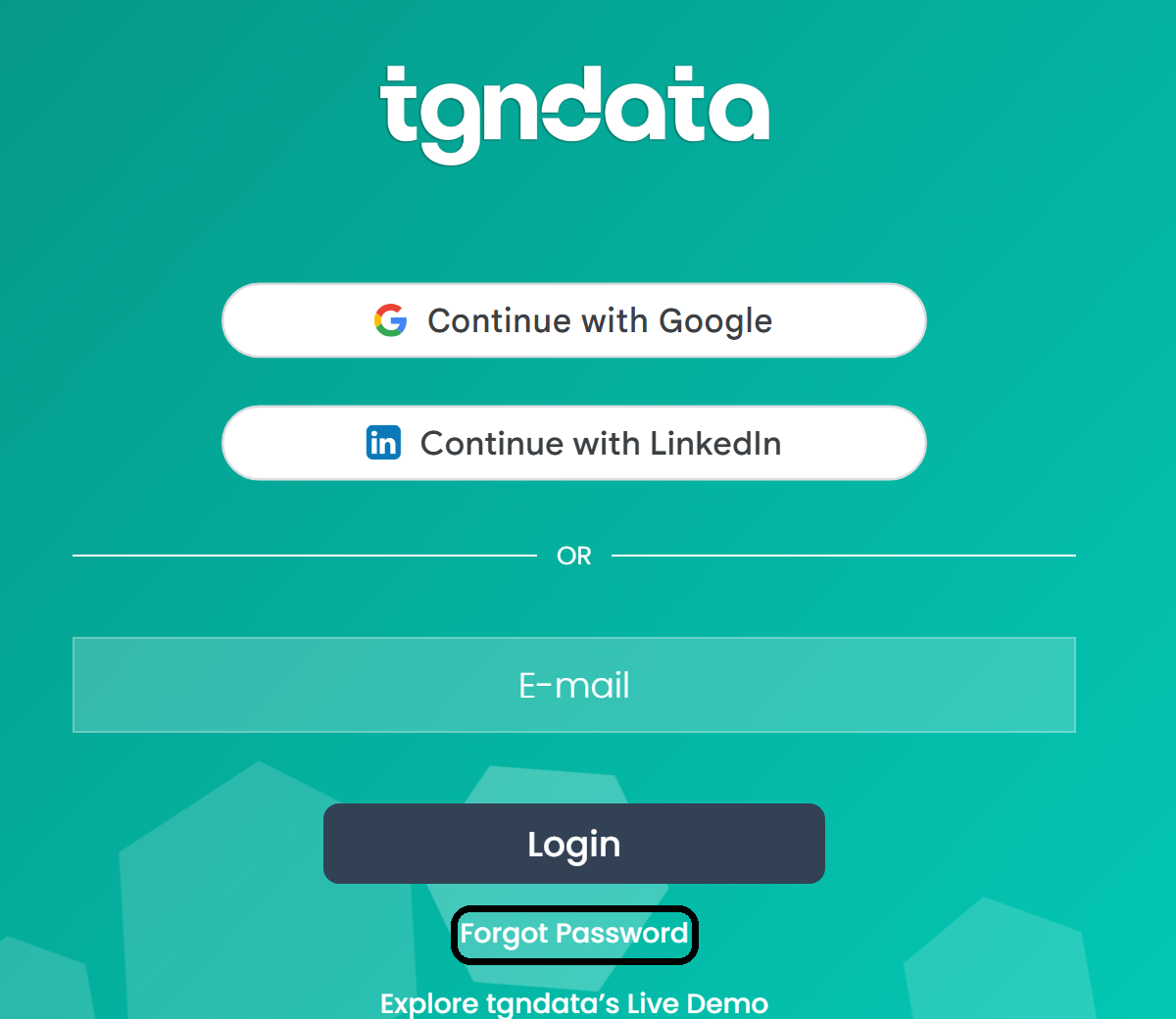
- Click Forgot Password under the Login button.
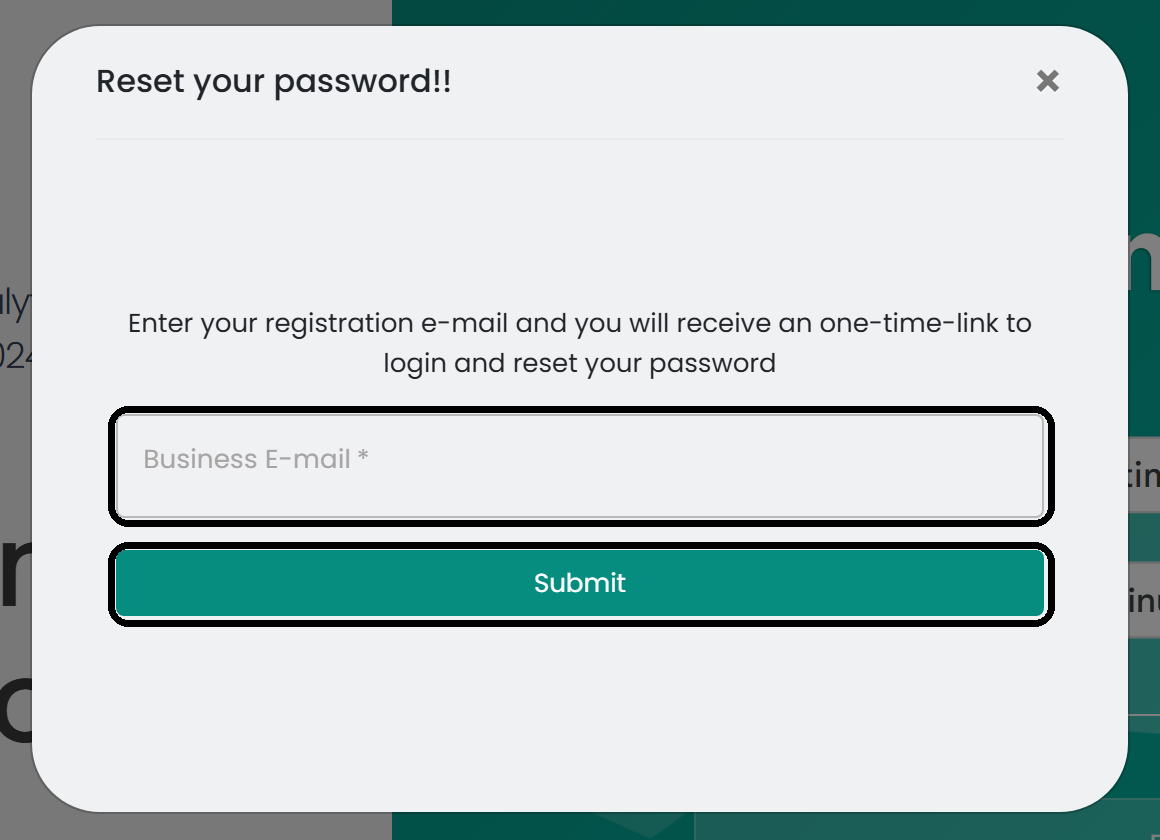
- In the Reset your password window, enter the business email address linked to your tgndata account and click Submit.
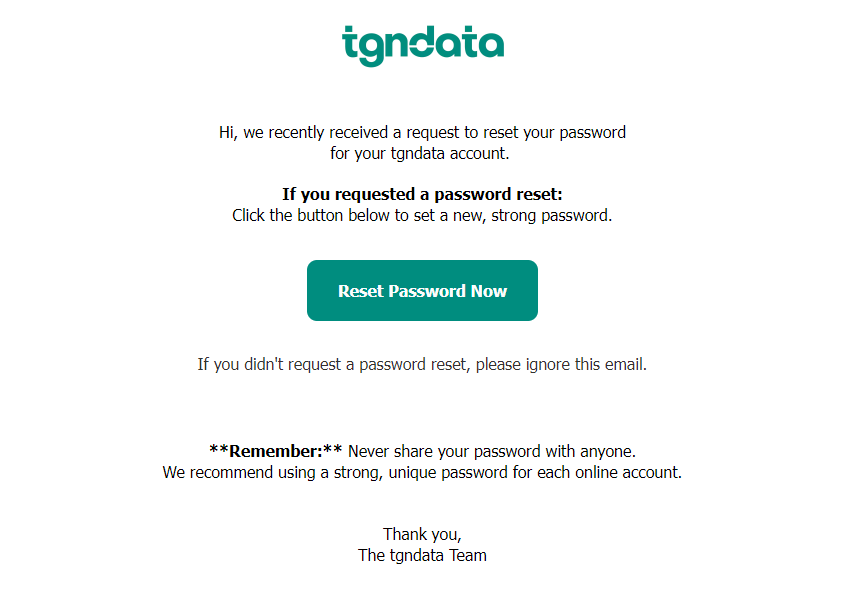
tgndata sends a one-time link to your email.
Tip: If you don't see the email, check your Spam folder, or search your mailbox for Email verification required.
- Open the email and click Reset Password Now. The link is valid for 24 hours.
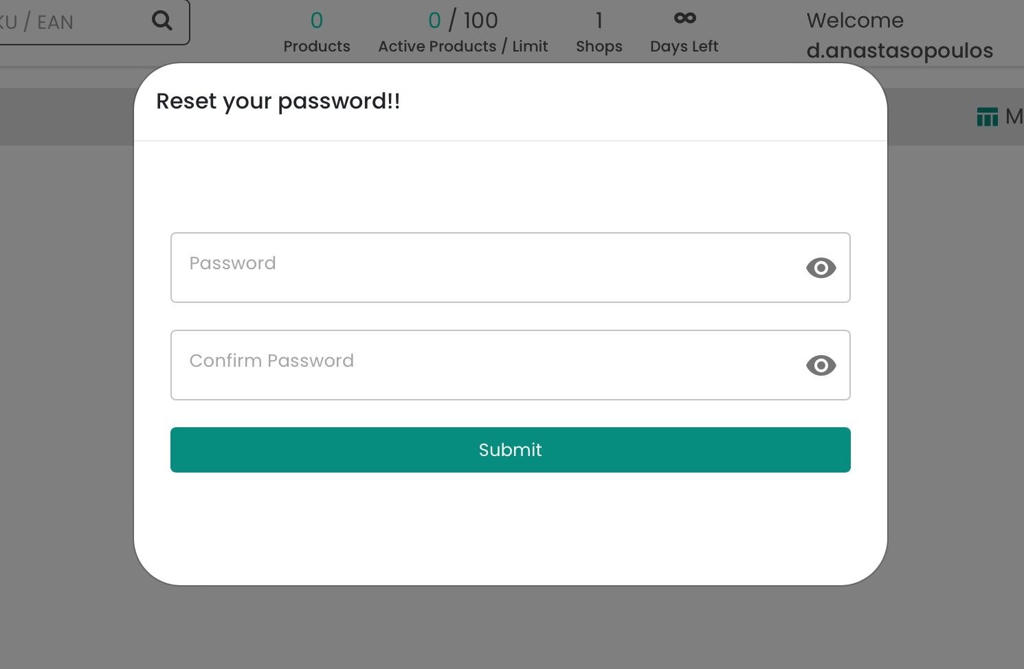
- Enter your new password in both fields and click Submit.
Was this article helpful?
That’s Great!
Thank you for your feedback
Sorry! We couldn't be helpful
Thank you for your feedback
Feedback sent
We appreciate your effort and will try to fix the article