Roles control which sections of the platform each user can access.
Note: You must be an admin of your tgndata account.
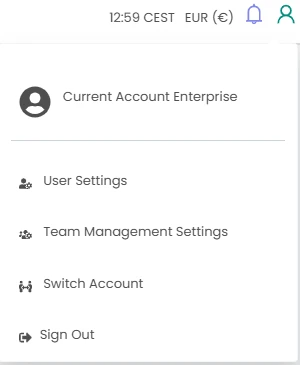
Click the profile icon in the top right corner, select Team Management Settings, and open the Role Management tab.
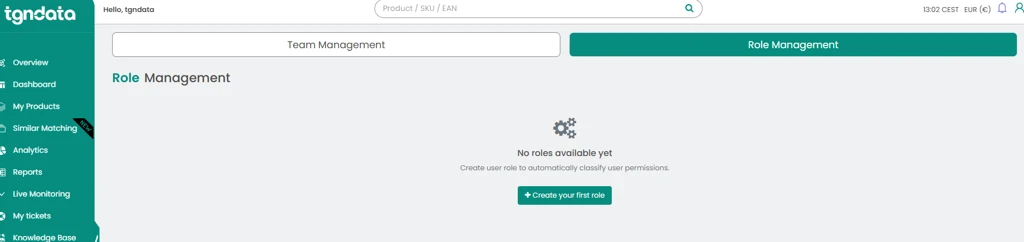
Create a role
- If no roles are listed yet, click Create First Role.
- In the pop-up, name the role, for example Marketing, Product Manager or Sales, and choose the sections it can access. Alternatively, switch on Enable All and clear the sections you do not want.
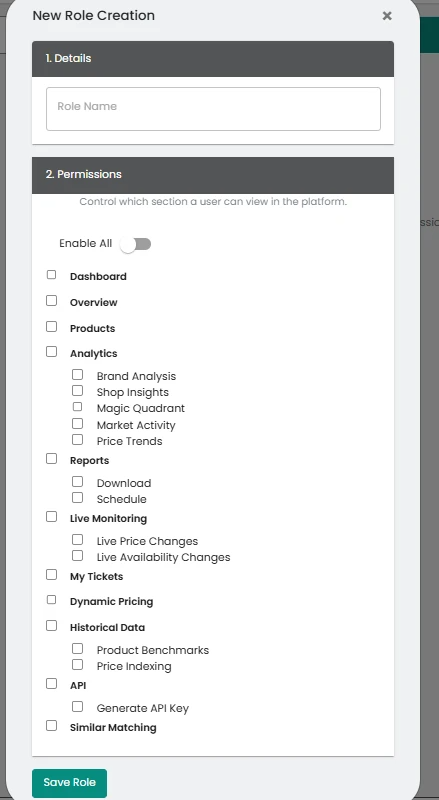
- Click Save Role. You can create several roles.
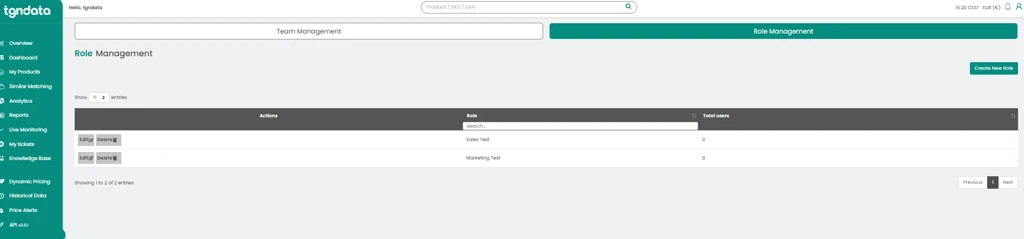
Edit or delete a role
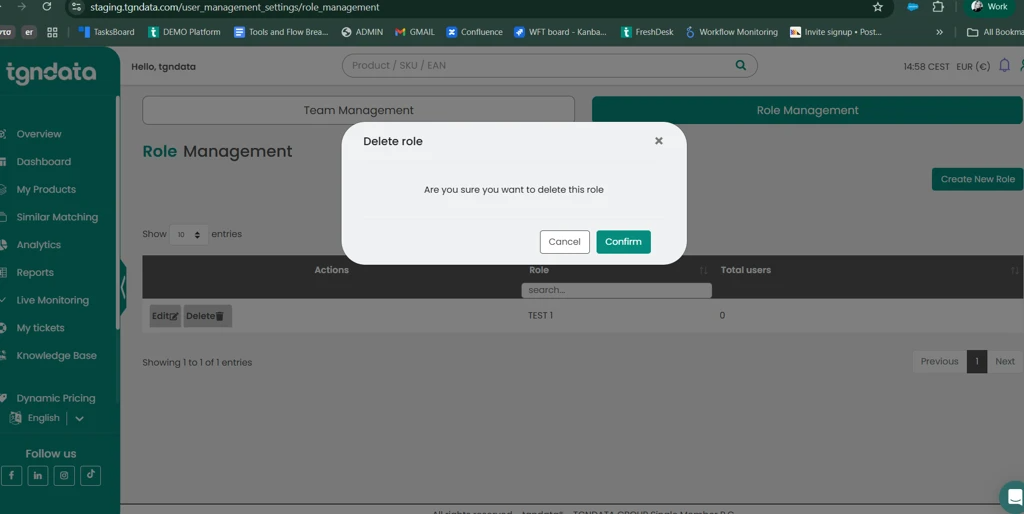
Click Edit to change a role. To delete a role, click Delete and confirm. Users with a deleted role go back to the default role.
Assign a role
To assign roles to team members, open the Team Management tab. See Team management.
Was this article helpful?
That’s Great!
Thank you for your feedback
Sorry! We couldn't be helpful
Thank you for your feedback
Feedback sent
We appreciate your effort and will try to fix the article