Two-factor authentication (2FA) adds a second step when you log in to tgndata: a code sent to your email.
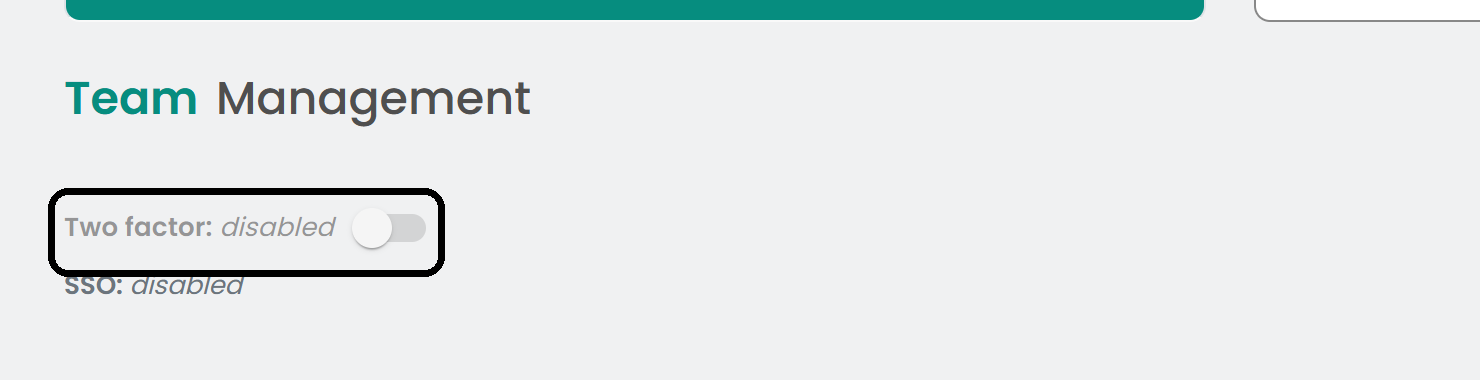
Click the profile icon in the top right corner, select Team Management Settings, and turn on the Two factor switch in the Team Management tab.
How it works
When 2FA is on, a 6-digit code is sent to the user's email when they log in with email and password. The code is active for 5 minutes. After that, they can request a new code.
Note: The setting applies to all users of your account.
Was this article helpful?
That’s Great!
Thank you for your feedback
Sorry! We couldn't be helpful
Thank you for your feedback
Feedback sent
We appreciate your effort and will try to fix the article